How long to copy SharePoint files? Do you have performance metrics?
Last updated: 2026-09-21
Performance benchmarks for copying SharePoint lists and libraries. Understand expected speeds and factors affecting copy operations.
This article will advise you about memory and CPU usage when using SharePoint Copy Lists feature.
Question
I need some information on time estimates to complete jobs, as an example, how long will it take your tool to copy a SharePoint Document Library that has 5000 documents?
Answer
5000 documents would take approximately 2 to 3hrs to copy (with NO version history).
Performance Metrics
Here are some metrics we have recorded:
~1.5-2K documents / hour (with NO version history)
2-3GB / hour (with NO version history)
NOTE: This test was performed using SharePoint Online.
Factors affecting Job Performance
There are different factors that can impact performance and time to complete, these include:
The number of items/files/pages to be processed.
The number of columns in the list / metadata.
The size of the documents being copied.
If there are processing errors such as missing users or target list columns.
The number of machines used (with the SharePoint Essentials Toolkit installed) to process the content.
If the job has ‘Retain Item Id’ enabled. This option will try to create the items in order, which will take 4x to 5x longer to complete. This feature is only recommended for lookup lists where the ID is required to be retained.
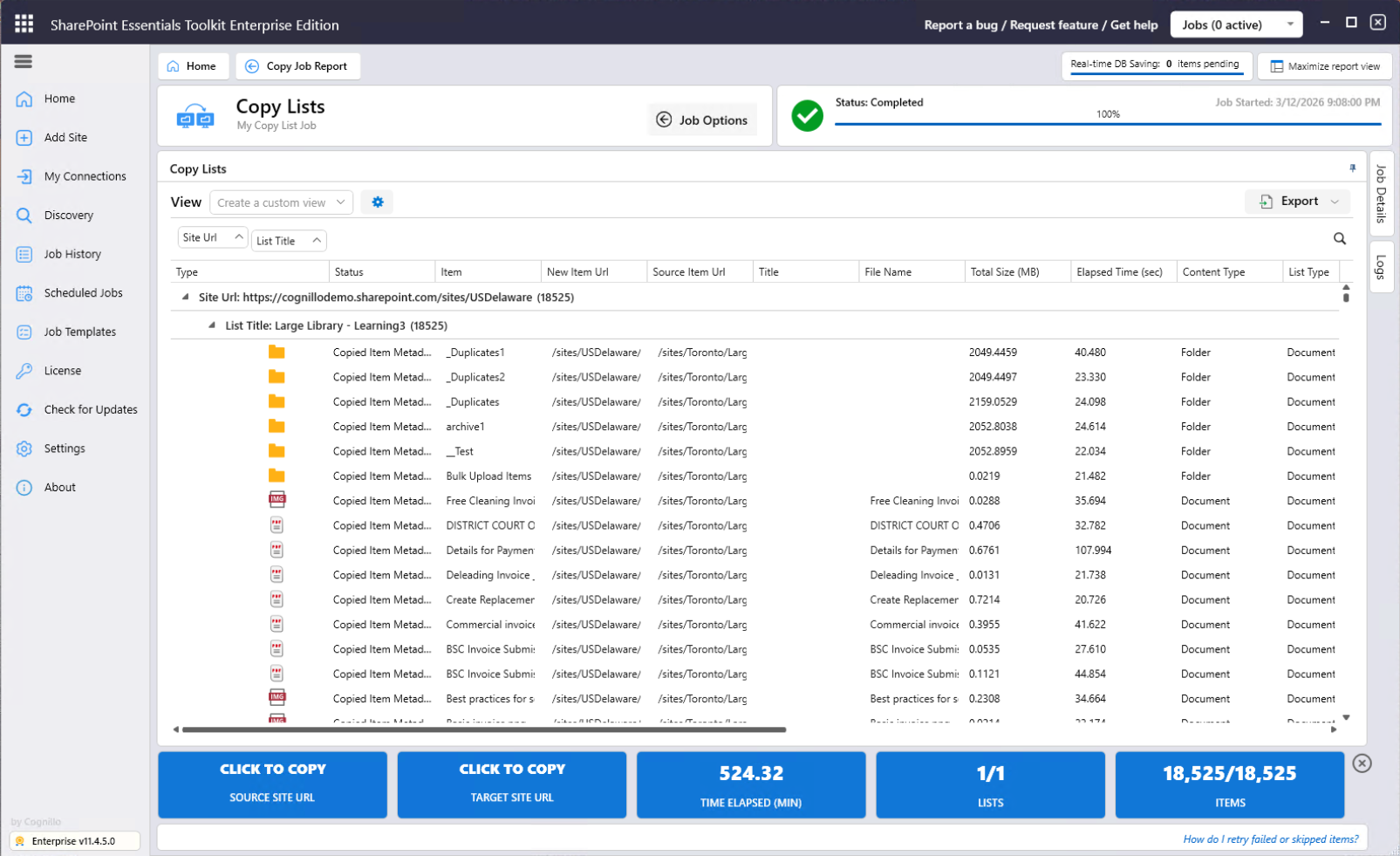
Example Job Run
Machine: Windows 11, 16GB RAM, quad core, Azure VM
Documents: ~18,500
Time to complete: 530min / 8.5hrs