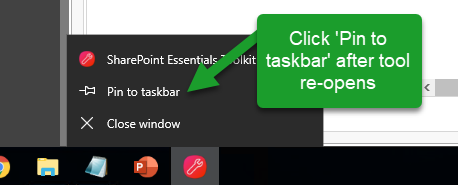
How do I fix my missing Icon in my Task bar after upgrading?
Last updated: 2026-09-21
Fix the missing taskbar icon issue that can occur after upgrading the SharePoint Essentials Toolkit to a new version.
Problem
It can occur where Windows is unable to locate the icon for the SharePoint Essentials Toolkit after an upgrade.
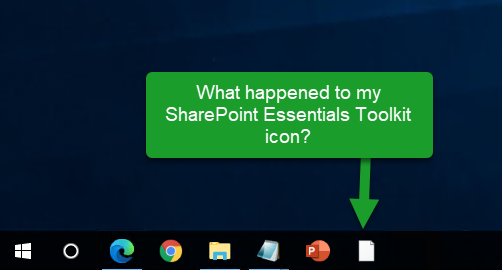
Fix / Workarounds
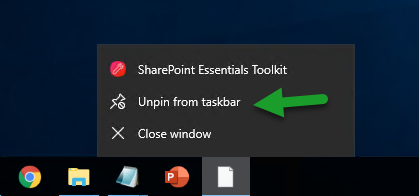
You will need to unpin the task bar icon, and then re-pin it to resolve this issue.
Sometimes you may need to toggle the 'Pin' and 'Unpin'
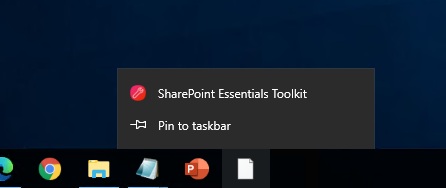
Launch the SharePoint Essentials Toolkit again and pin it.