How do I update my password?
Last updated: 2026-09-21
This article will show you how to change your password using the SharePoint Essentials Toolkit.
This article shows you how to change or update the credentials used for SharePoint sites when using the SharePoint Essentials Toolkit.
Click “My Connections” in the left navigation.
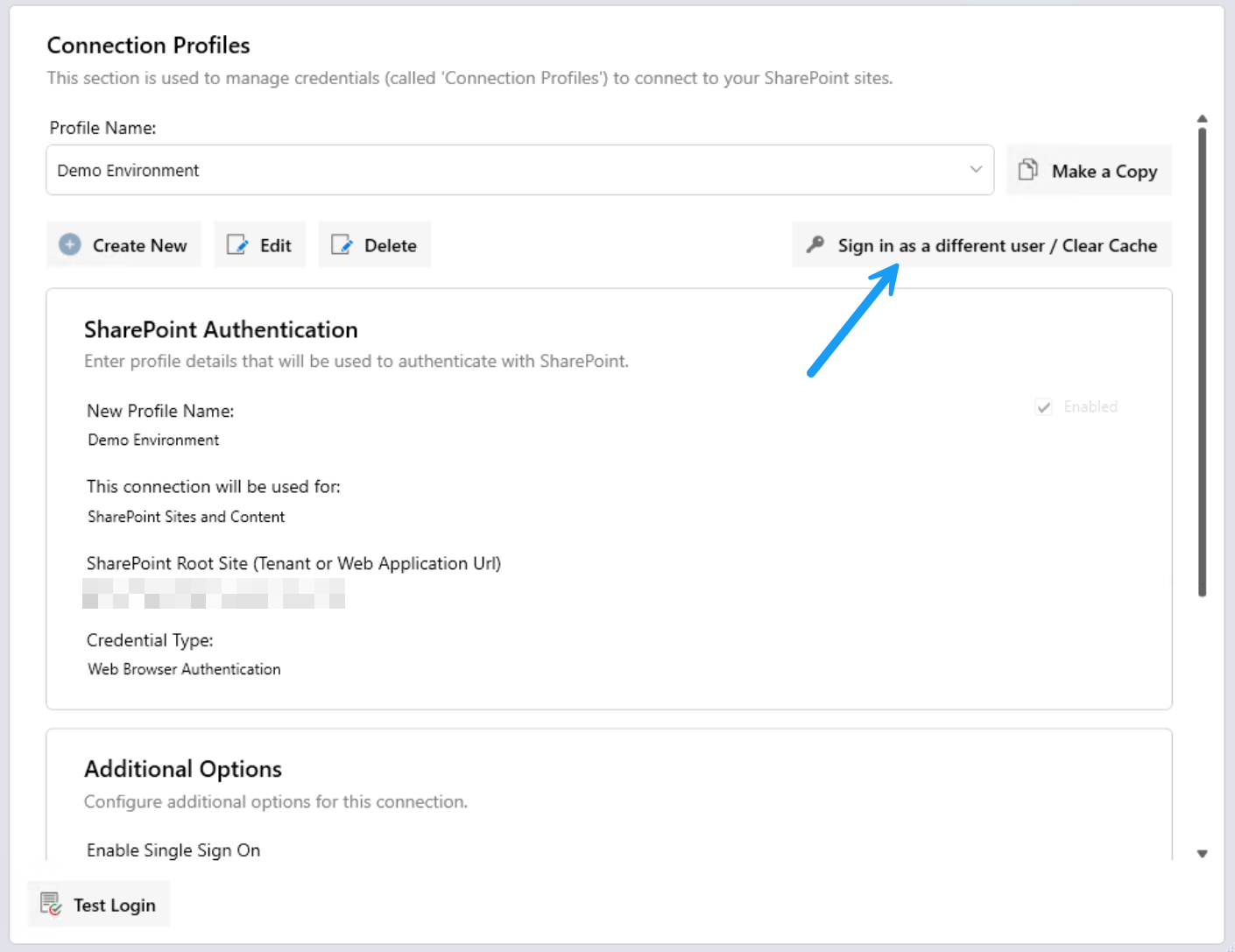
Select the Connection Profile from the dropdown list, which is used to connect to the SharePoint environment which you need to update the password for.
Click "Sign in as a different user / Clear Cache"
You will then be prompted to update the credentials used.