Product Videos
Short walkthroughs of Cognillo products: how to install them, what they report on, and how to fix the problems they find.
SharePoint Essentials Toolkit
From installing the Toolkit to fixing oversharing, broken links and migrations, offboarding a leaver, cleaning up user permissions, reporting on custom metadata and scheduling a weekly permissions export to SharePoint.

SharePoint Essentials Toolkit 2027: permissions, oversharing, migration and cleanup
A tour of how the Toolkit reports on, secures, cleans up and migrates SharePoint Online across every site from one Windows desktop app.
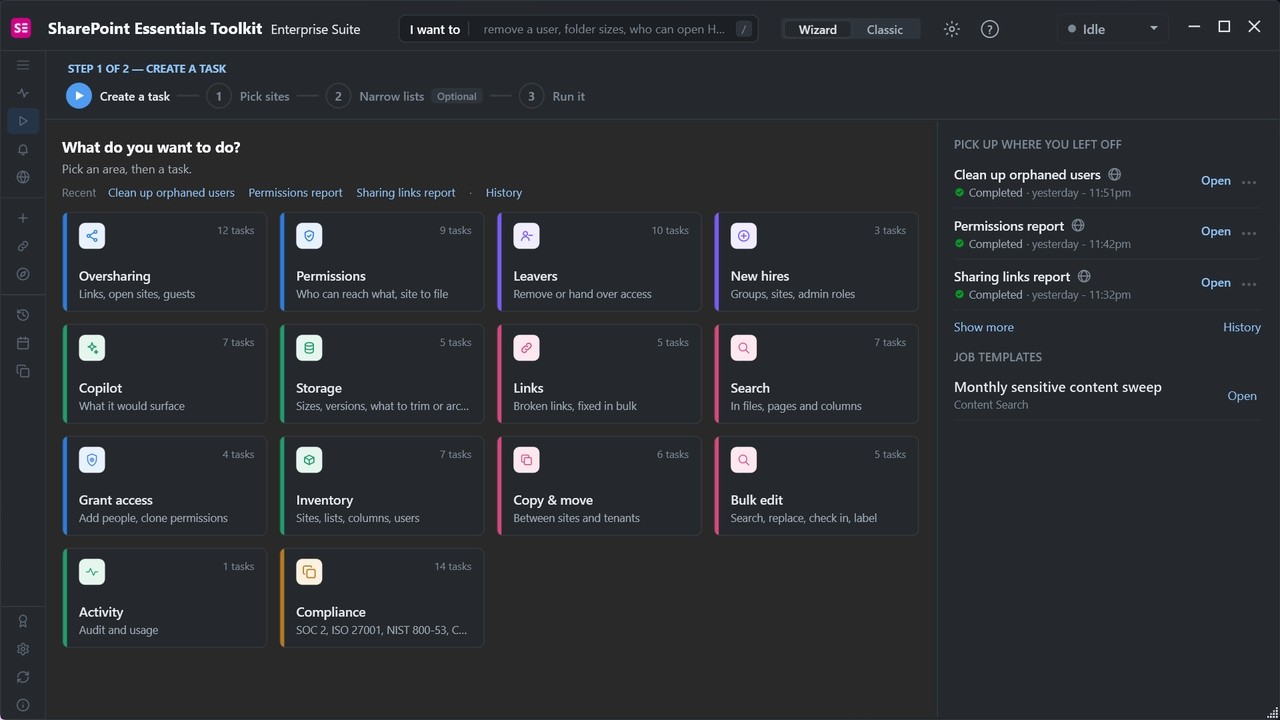
SharePoint Essentials Toolkit 2027 live demo: find and fix oversharing in SharePoint Online
In under six minutes: find oversharing, review who has access, fix it straight from the report, clean up orphaned accounts and undo a change from History.

Getting Started with SharePoint Essentials Toolkit: install, connect, first report
Install the app, connect to your Microsoft 365 tenant, add your first sites and run your first report. Works with SharePoint Online, OneDrive and on-premises.

Find and Clean Up SharePoint Sharing Links in Bulk
Use the Sharing Links report to find Anyone links, organization-wide edit links, links with no expiry and external shares, then fix them in bulk.
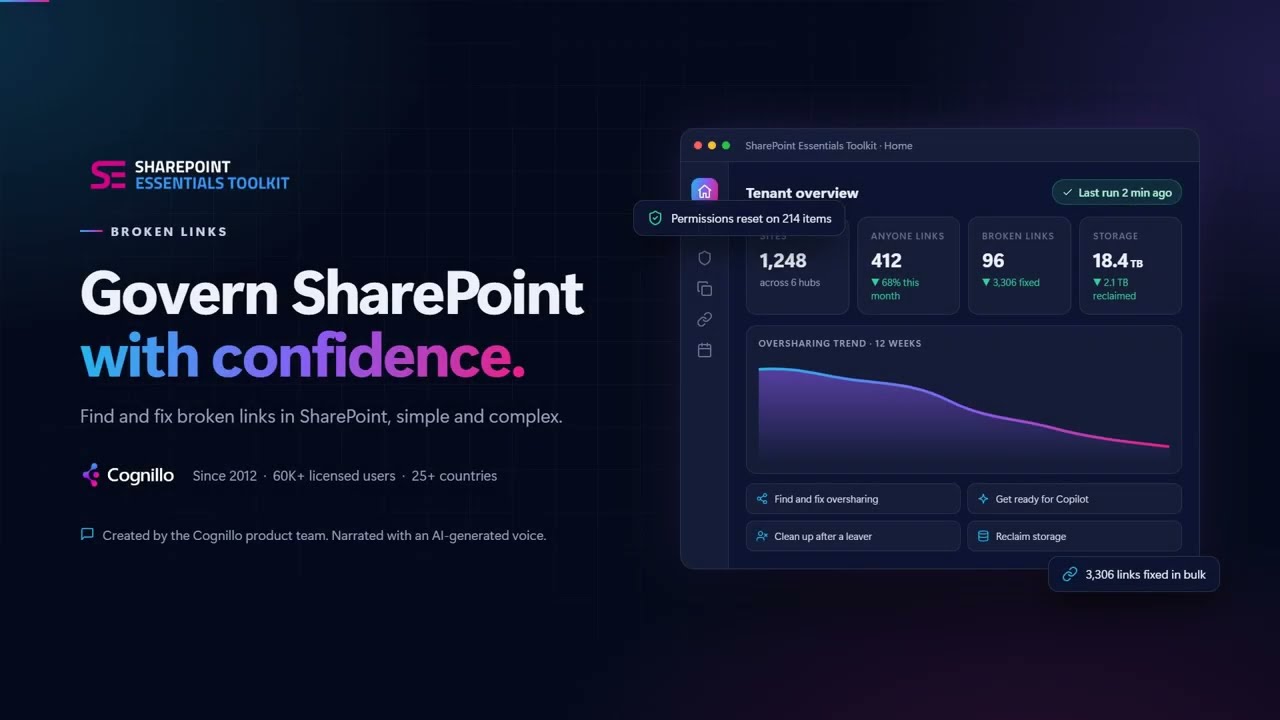
Find and Fix Broken Links in SharePoint
Scan pages, documents, list columns and navigation for links that return 404 or redirect, review each HTTP status, then fix them in bulk.
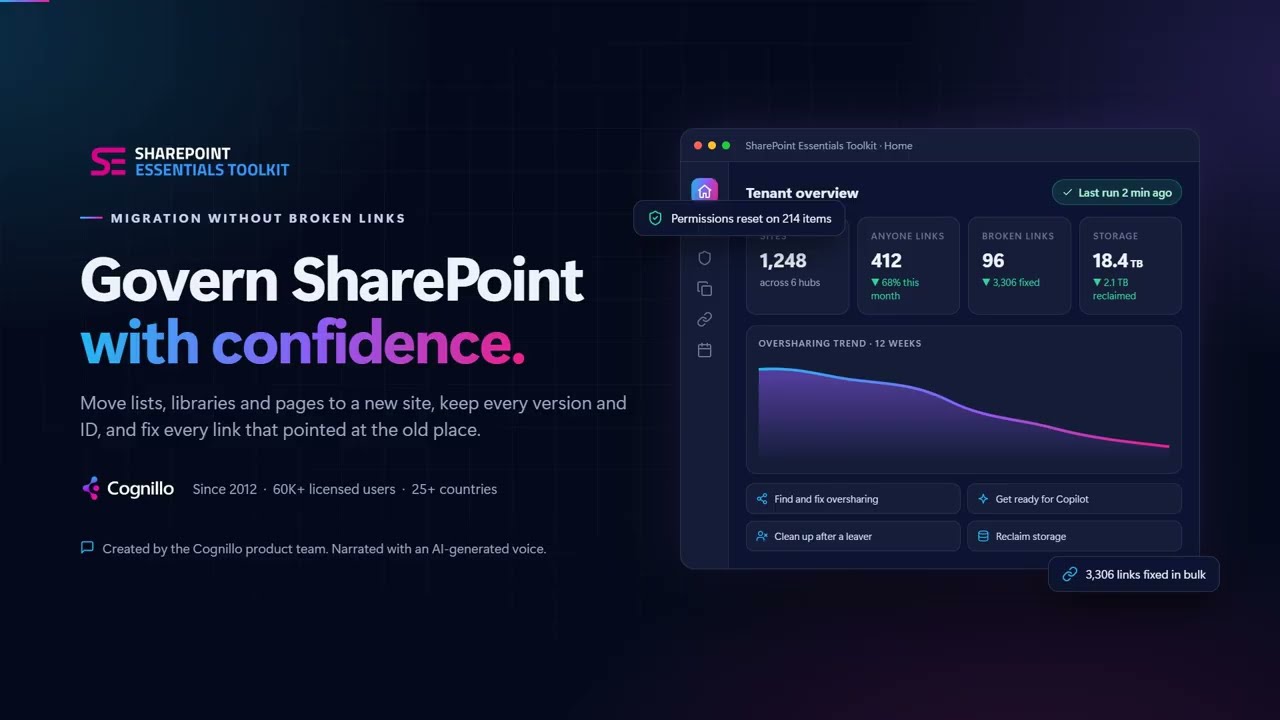
Migrate SharePoint Lists & Libraries Without Breaking Links
Move lists, libraries and pages with version history, item IDs, lookups and managed metadata intact, and keep links in Office files, PDFs and pages working.

How to Offboard a User in SharePoint (Find Access, Hand Over, Remove)
Find everything a leaver can access, put their successor's name on the files they own, rewrite mailto links that still email them, clone their access to the successor and remove them, then clean up orphaned users once accounts are deleted.

How to Clean Up User Permissions in SharePoint (Orphaned Users, Direct Access & Everyone)
Work through four kinds of access in order: remove orphaned users, remove direct grants, close locations open to everyone, and review sharing links. Every change is listed for review first and logged in History so it can be undone.

How to Build a SharePoint Metadata Report (Custom Columns + Export to Excel)
Run an item inventory across sites and lists, add custom columns such as Project Number, Project Owner and Document Type through Additional Fields, group and filter the results, save the view and export it to Excel with the grouping kept.
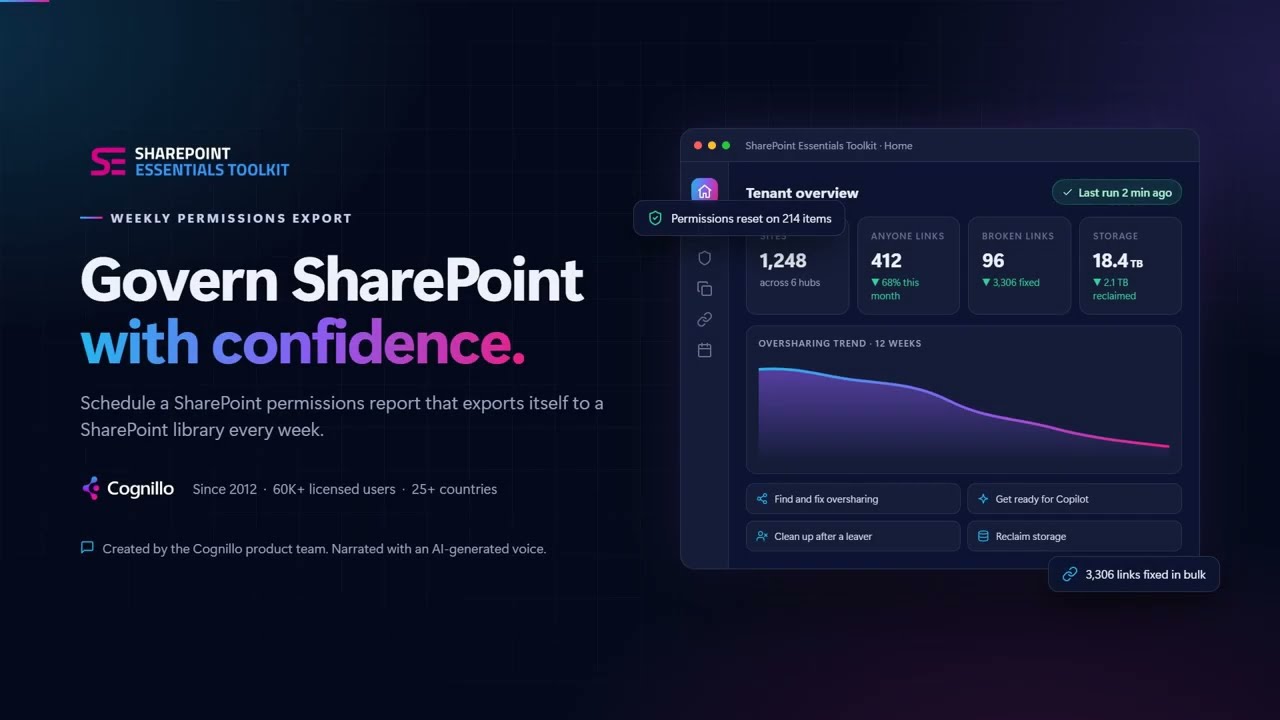
How to Export a SharePoint Permissions Report to SharePoint Every Week (Scheduled)
Run a permissions report on a schedule and save it straight to a SharePoint document library as Excel, CSV or list items, filed under a Year/Month folder so every weekly file builds a permissions history, scheduled weekly through Windows Task Scheduler.
Genta
Coming soonWalkthroughs of Genta, the generative AI QA platform, are coming soon.
Genta walkthroughs
Genta walkthroughs are coming soon. Genta is a generative AI platform that performs real software actions from plain-English tests — the product page has the details.
Learn about Genta