Modern vs Classic SharePoint Pages, and Why a Renamed Page Says "Page Not Found"
A SharePoint page's title and its URL are separate. Changing the title in the page doesn't change the URL. Renaming the page's file in the Site Pages library does, and the old URL then returns "Page not found" (404): SharePoint adds no redirect. In our test, the renamed page kept its title, the new URL worked, and the old URL returned 404. Before renaming, find the links to the page; afterwards, replace the old URL everywhere it appears.
Published:
Last updated: 2026-11-06
What we tested
We created a modern page in Site Pages, gave it the title Site Safety Checklist and published it. Then we renamed its file to Jobsite-Safety-Checklist.aspx, the same as renaming it in the library.
| URL | After the rename |
|---|---|
| Old file name | 404, "Page not found" |
SitePages/Jobsite-Safety-Checklist.aspx | 200 |
| Page title | Unchanged: Site Safety Checklist |

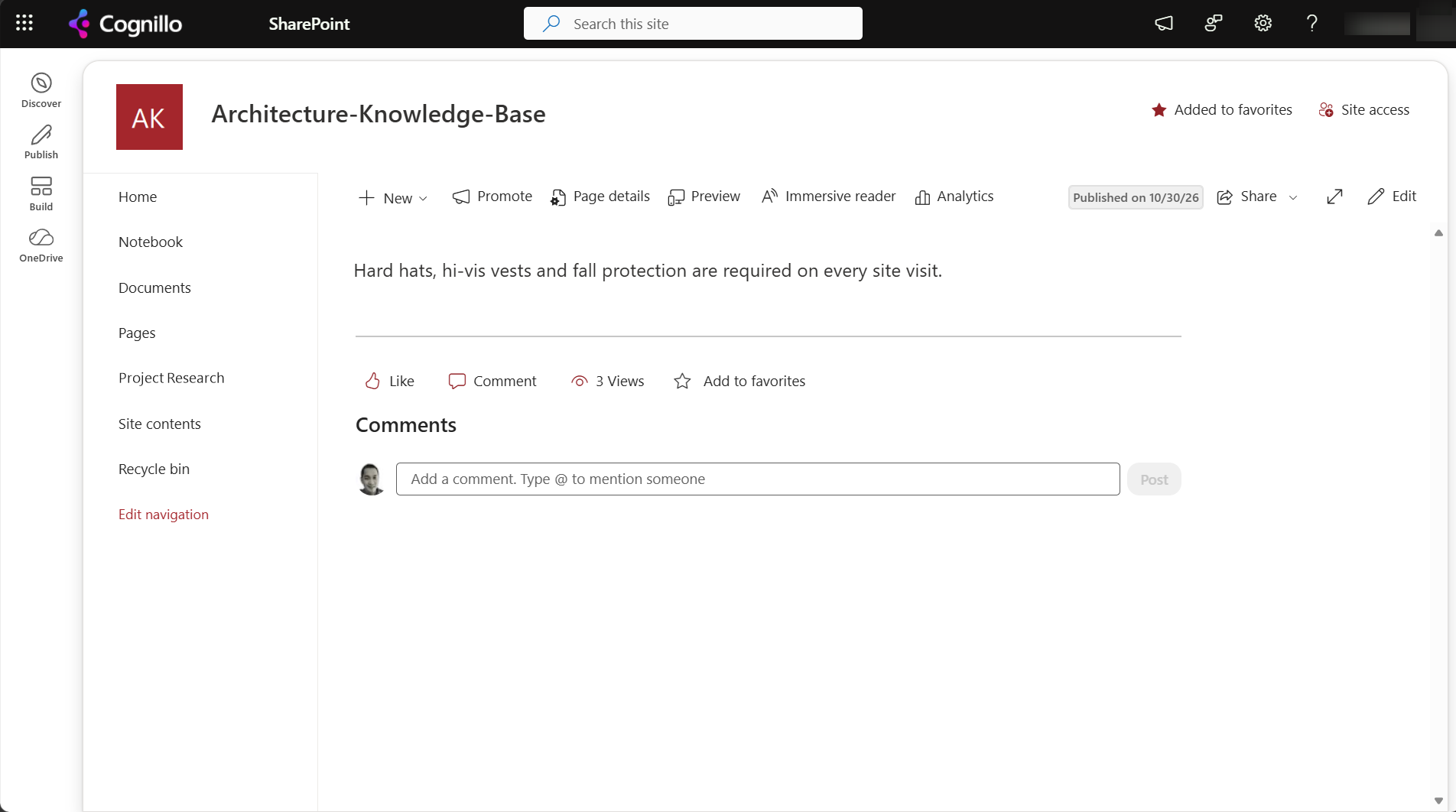
Changing the title in the page's editor or Page details doesn't change the URL, so it's always safe. The URL comes from the title only when the page is first saved.
What breaks
- Navigation links, Quick Links and Hero web parts that point at the page.
- Links in other pages, news posts and documents.
- Teams tabs, bookmarks and links in emails.
- A site's home page, if you rename the home page. Set the new page as home again.
News posts shared in Teams or by email use the URL too, so renaming a news post breaks those shares.
Modern vs classic pages
| Modern pages | Classic pages | |
|---|---|---|
| Library | Site Pages | Site Pages (wiki and web part pages) or Pages (publishing sites) |
| Editing | Sections and web parts, responsive | Wiki text, web part zones, page layouts |
| Customization | SharePoint Framework web parts and extensions | Script Editor, master pages, custom CSS |
| Mobile | Responsive | Not responsive |
| Future | Where new features go | Still supported, but no new features; custom script is off by default |
The "Return to classic SharePoint" link only changes how lists and libraries look for that session. It doesn't convert pages. To convert classic pages, use the PnP page transformation (ConvertTo-PnPPage), which creates a modern copy of each page.
The rename behavior is the same for both: a renamed file is a new URL with no redirect.
Rename a page safely with PowerShell
This PnP PowerShell script renames a page's file and prints the old and new URLs for the link replacement. It needs PnP PowerShell 2.x and your own Entra ID app registration; nothing changes until you set $WhatIf = $false.
$ClientId = "<your-app-id>"
$SiteUrl  = "https://contoso.sharepoint.com/sites/Projects"
$OldName  = "Site-Safety-Checklist.aspx"
$NewName  = "Jobsite-Safety-Checklist.aspx"
$WhatIf   = $true

Connect-PnPOnline -Url $SiteUrl -Interactive -ClientId $ClientId
$web = Get-PnPWeb
$old = "$($web.ServerRelativeUrl.TrimEnd('/'))/SitePages/$OldName"
$new = "$($web.ServerRelativeUrl.TrimEnd('/'))/SitePages/$NewName"
"Old: $old`nNew: $new"

if ($WhatIf) { "WhatIf: nothing renamed. Links to $old will return 404 afterwards." }
else { Rename-PnPFile -ServerRelativeUrl $old -TargetFileName $NewName -Force; "Renamed." }
Keep the old URL working by creating a small page at the old name with a link to the new one, if the page was widely shared. There is no built-in redirect for pages.
Find and fix links to a renamed page with SharePoint Essentials Toolkit
The toolkit's Links area handles both halves:
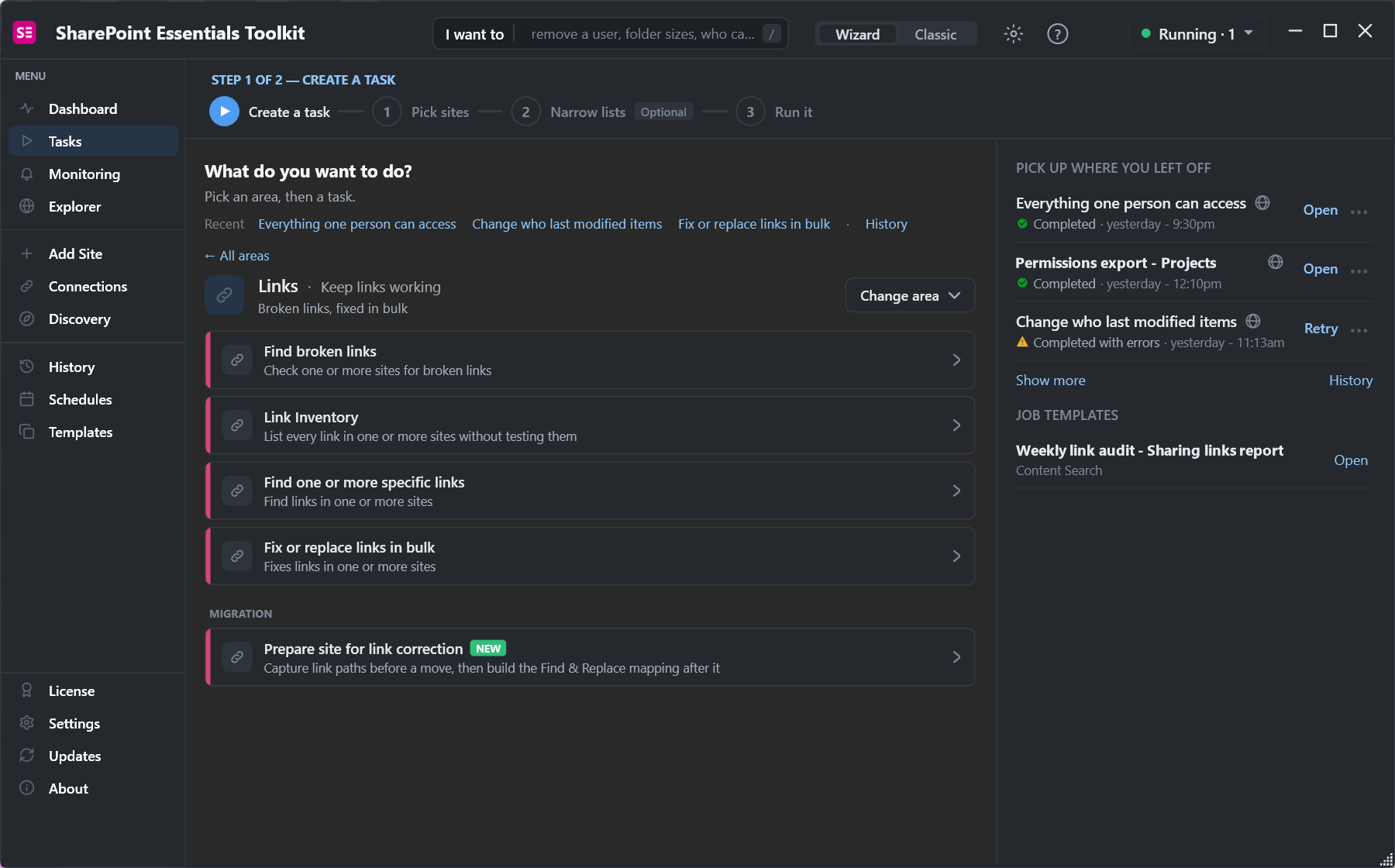
- Before: Find one or more specific links with the page's URL, across every site that might link to it.
- After: Fix or replace links in bulk with one rule, old URL to new URL. It updates pages, web parts, navigation, list columns and Office and PDF files.
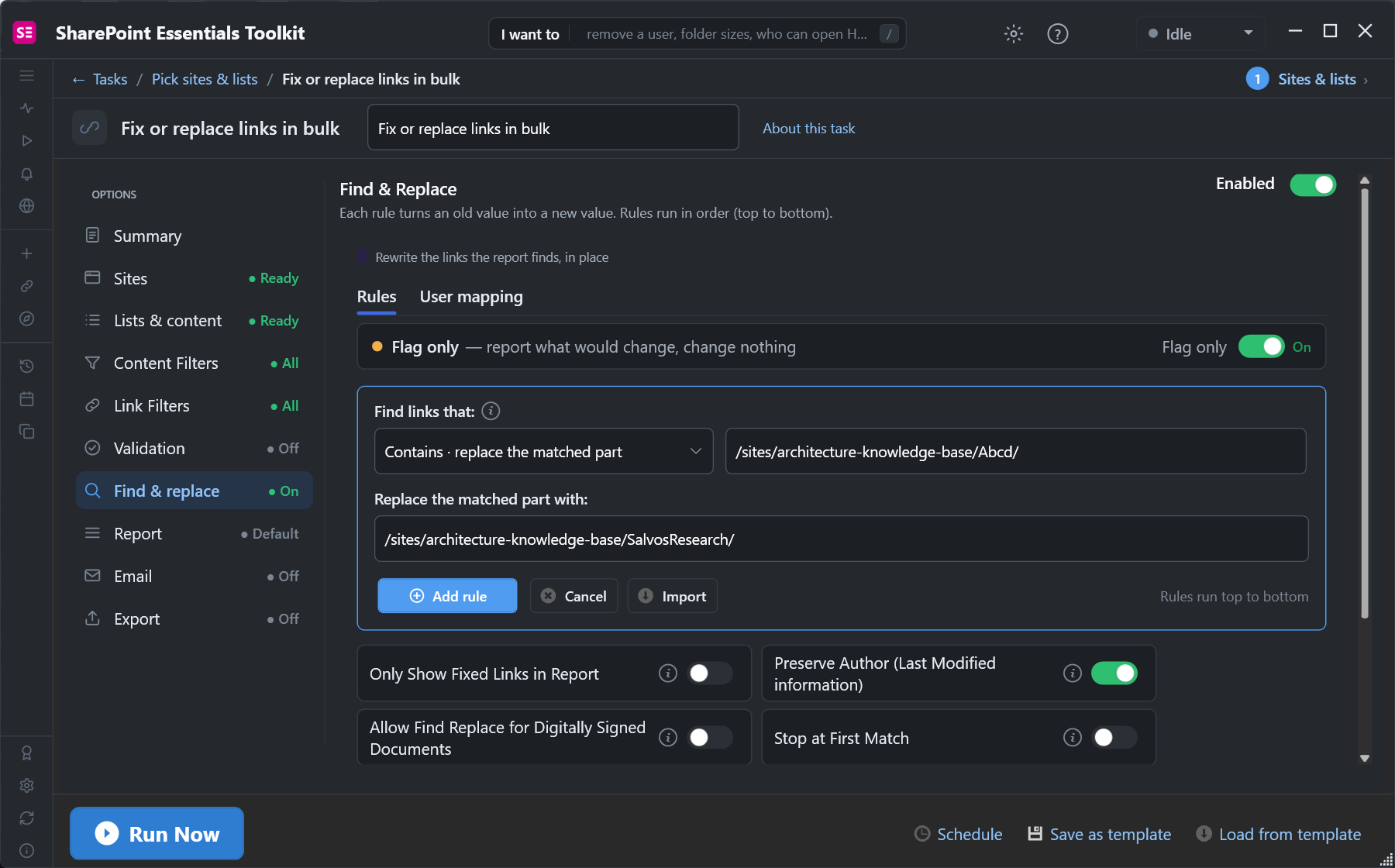
Changes can be undone from History. Find broken links afterwards confirms nothing still points at the old URL.
Frequently asked questions
Why does my renamed SharePoint page say Page not found?
Renaming the page file changes its URL, and SharePoint adds no redirect. Links to the old URL return 404 until you update them.
Does changing a page title change its URL?
No. The URL is set from the title when the page is first saved. Changing the title later leaves the URL as it was.
Can I redirect an old SharePoint page URL?
Not with a built-in setting. Update the links, or leave a small page at the old name that links to the new page.
What is the difference between modern and classic pages?
Modern pages use sections and web parts, are responsive and get new features. Classic pages use wiki text or web part zones and support older customizations.
How do I convert classic pages to modern?
Use PnP page transformation, such as ConvertTo-PnPPage, which creates a modern copy of each classic page. Return to classic SharePoint doesn't convert anything.
Rename pages without breaking links, free
SharePoint Essentials Toolkit Community Edition is free. Find every link to a page, then replace it in pages, navigation and documents with a preview first, on up to 20 sites per Microsoft 365 tenant. Get your free Community Edition license key.