Blog
Insights, updates, and guides from the Cognillo team.

SharePoint Filter, Group By or Sort Not Working on a Large List? Why the Threshold Breaks It and How to Fix It
SharePoint view won't filter, group or sort over 5,000 items? Which queries fail and why, fixing them with indexes, and querying large lists from PowerShell.

SharePoint "Edit in Grid View" Missing, Greyed Out or Read-Only: Every Cause and How to Fix It
Edit in grid view missing or a column read-only in SharePoint? The list setting that hides it, which column types can't be edited, and how to bulk edit instead.
![SharePoint Document IDs, Auto-Numbering and Unique IDs: Which ID to Use, and Why Calculated [ID] Numbers Break](/__l5e/assets-v1/d39842d1-07fa-479a-b0e0-a11d3a69e1e8/sharepoint-document-id-unique-ids-cover.webp)
SharePoint Document IDs, Auto-Numbering and Unique IDs: Which ID to Use, and Why Calculated [ID] Numbers Break
How the SharePoint Document ID service works, why IDs take time to appear, why a calculated column using [ID] shows 0, and which ID to use in links and numbers.

SharePoint Content Types and Site Columns: The Deployment Errors, What Causes Them, and How to Deploy Reliably
Why SharePoint content types and site columns fail to deploy: duplicate field names, IDs ignored by REST, in-use deletes. The exact errors and how to fix them.

SharePoint Calculated Column Formulas: Dates, IF, Concatenation, and Why Values Don't Update (Tested Examples)
SharePoint calculated column formulas for dates, IF and joining text, tested on a real list, plus why [ID] shows 0, TODAY() goes stale and how to recalculate.

SharePoint Online Throttling (429 and 503): Why It Happens, How Retry-After Works, and Scripts That Don't Get Blocked
Why SharePoint Online returns 429 Too Many Requests and 503 Server Too Busy, how to honor Retry-After in PowerShell, and how to keep long scripts unblocked.

SharePoint Lookup Columns: The 12 Lookup Column Threshold, Cross-Site Lookups, and What to Use Instead
SharePoint lookup columns explained: what counts toward the 12 lookup threshold, the exact error at 13, looking up lists on other sites, and safe workarounds.

SharePoint List View Threshold (5,000 Items): How to Fix It, Which Columns to Index, and What Indexing Doesn't Fix
Hit the SharePoint 5,000 item list view threshold? Index the right columns, fix views that fail, and find every list over the limit with PowerShell or for free.

SharePoint JSON Formatting: Conditional Colors, Action Buttons and Overdue Row Highlights That Work
Working SharePoint JSON column and view formatting examples: status pills, a Mark done button with setValue, overdue rows with @now, and applying them with PnP.

SharePoint Owners, Members and Visitors Explained, and How to Find Who Has Access to a Site or File
What SharePoint Owners, Members and Visitors can do, and how to see who has access to a site or file with Check Permissions, PnP PowerShell or a free report.

Site Collection Admin or SharePoint Admin Can't See or Find a Site? Why It Happens and How to Fix It
Admin can't see or find a SharePoint site? Why sites go missing from search and Active sites, why the admin role isn't access, and the PowerShell fix.

SharePoint Version History Taking Up Storage? How to Find and Trim Old Versions (Limits, PowerShell, Free Tool)
Old SharePoint versions eating storage? Set version history limits, trim existing versions with PowerShell trim jobs, or find and trim them free with a report.

Can't Upload Large Files or Folders to SharePoint? The Size, Path and Storage Limits That Stop Uploads
SharePoint upload failing? Check the 250 GB file limit, 400-character path limit, invalid names and storage quota with a PowerShell pre-check and a free report.

Sync Button Missing in a SharePoint Library, or "Can't Sync This Library": Causes and Fixes
Sync button missing in a SharePoint library, or the library will not sync? Check the library, site and tenant settings, with PowerShell and a free report.

SharePoint Sharing Link Not Working or "This Item Might Not Exist or Is No Longer Available"? Causes and Fixes
SharePoint sharing link not working? See if it expired, was removed, went to another account or was blocked by policy, and fix links in bulk with a free tool.

Guest User Can't Access a SharePoint Site or Redeem the Invitation? Causes, Checks and Fixes
Guest can't open a SharePoint site or redeem an invitation? Check sharing settings, domain limits, the guest's account and duplicate identities in PowerShell.

SharePoint "Anyone" Links Greyed Out or Disabled? How External Sharing Settings Work at Tenant and Site Level
Fix disabled SharePoint Anyone links by checking tenant and site external sharing settings. Use PowerShell and free reports to review links before changes.

OneDrive Sync Stuck on "Processing Changes" or "Sync Pending": How to Fix It
Fix OneDrive sync stuck on processing changes or sync pending. Follow reset steps and use PowerShell or free reports to find library settings blocking sync.

How to Recover Deleted Files, Libraries and Sites in SharePoint Online (Recycle Bin, Restore a Library, PowerShell)
Recover deleted SharePoint files, folders, libraries and sites using recycle bins, library restore and PowerShell. Learn recovery windows and bulk steps.

How to Remove "Limited Access" Users in SharePoint Safely, and Audit Permissions Across Your Tenant
Remove leftover Limited Access users in SharePoint safely. Check access first with PowerShell or free permissions reports, then review cleanup across sites.

SharePoint Says "Access Denied" or "You Need Permission" After You Granted Access? Seven Causes and Fixes
Fix SharePoint access denied after granting permissions. Check accounts, file versus site access, group delays and user ID mismatches with free reports.
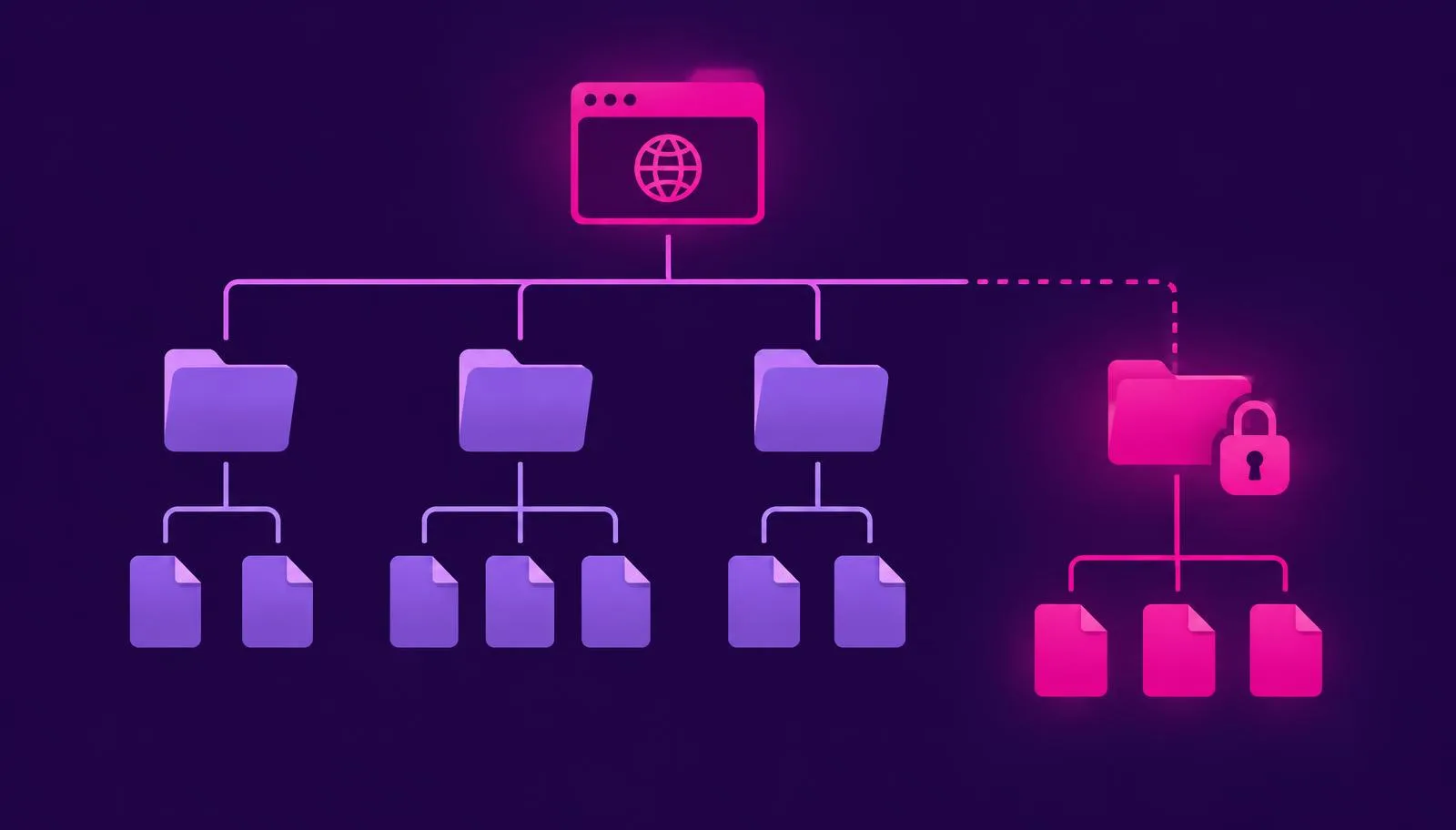
How to Break Permission Inheritance in SharePoint, and Why Too Many Unique Permissions Hurt Performance
Break or restore SharePoint permission inheritance. Learn unique permission limits and use PowerShell or free reports to find and review items before reset.

SharePoint File Locked or Checked Out? How to Check In or Discard a Check-Out (One File or in Bulk)
Check in or discard check-outs on SharePoint files, individually or in bulk. Learn lock differences and use PowerShell or free reports to find checked-out files.

How to Fix "File Name or Path Too Long" and Invalid Character Sync Errors in SharePoint and OneDrive
Fix SharePoint and OneDrive path too long sync errors and invalid file names. Compare path limits and find long paths with PowerShell or free inventory reports.
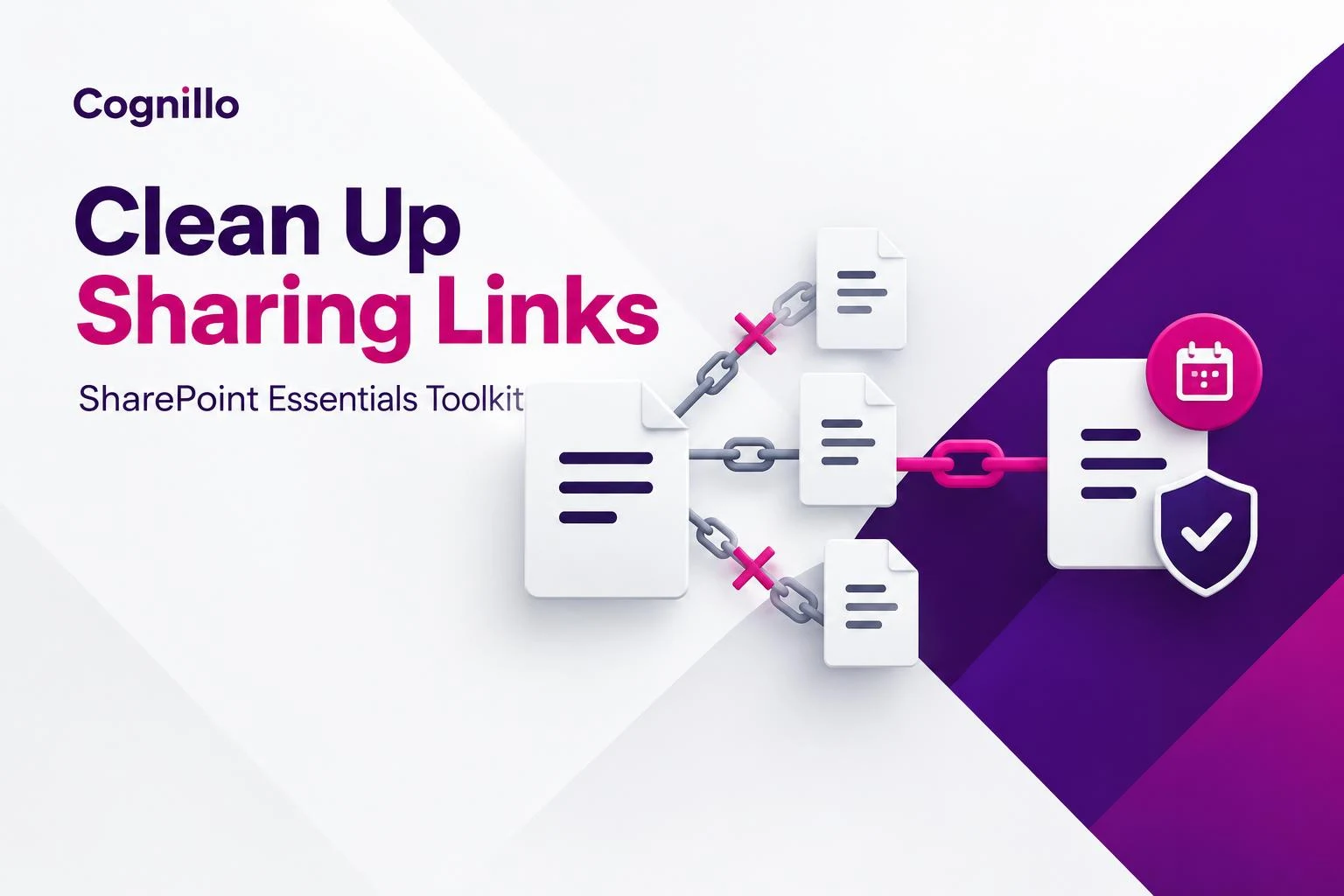
How to Clean Up Sharing Links in SharePoint
Clean up sharing links in SharePoint with a free tool: bulk remove links, change expiry, narrow access and restore inherited permissions, step by step.

File Share to SharePoint Online: Find Invalid Names, Paths Over 400 Characters and \\server Links Before They Break the Migration
Moving a file share to SharePoint Online? Scan for blocked names, paths over 400 characters and big files, rename safely, then fix \\server links in documents.

Connect-PnPOnline Errors Explained: Missing Client ID, Retired Apps, Certificates, App-Only and MFA
Connect-PnPOnline failing? The exact PnP PowerShell 3.x errors for a missing client ID, UseWebLogin, certificates and app-only, what each means, and the fix.

Free Up SharePoint Storage: Find Large Files, Bulk Delete Old Versions, and Clean Out Old Files Safely
Find the largest SharePoint files including versions, bulk delete old versions with batch jobs or PowerShell, and recycle old files, all with a dry run first.

Connect-SPOService or Connect-PnPOnline? What Each Can Do, How Each Handles MFA, and the Import Error That Blocks Both
SharePoint Online Management Shell or PnP PowerShell? What each does, MFA sign-in for both, and the fix for Could not load type FileVersionBatchDeleteMode.

Moving or Copying SharePoint Files Between Sites: What Keeps Its Metadata, Versions and Dates, and What Doesn't
We copied a SharePoint file with versions, a content type and a Document ID to another site: what Copy to kept and dropped, and how to keep metadata and IDs.

Deleting and Restoring SharePoint Sites: What Happens, How Long You Have, and Why the URL Stays Taken
Delete and restore a SharePoint Online site: the 93-day deleted sites window, group-connected sites, why the URL stays reserved, and PowerShell with a dry run.

Renaming a SharePoint List or Library: Why the URL Doesn't Change, How to Change It, and What Breaks
Renaming a SharePoint list or library changes its title, not its URL. How to change the URL with PowerShell, what returns 404 afterwards, and how to fix links.

Export Every SharePoint Site with Its Owners, Admins and Storage to CSV or Excel
Export all SharePoint Online sites with owners, site admins, storage, last activity and sharing to CSV, with PowerShell or without it. Scripts included.

Who Has Access? PowerShell to List Every User with Access to a SharePoint Site, Library or File
PowerShell to list every user with access to a SharePoint site, library or file: groups expanded, unique permissions, sharing links, admins. Read-only scripts.

Bulk Create SharePoint Sites, Libraries and Columns from a CSV or Excel File
Create SharePoint sites, libraries and columns in bulk from a CSV with PowerShell and a dry run first, or from Excel without code. Templates, owners and errors.
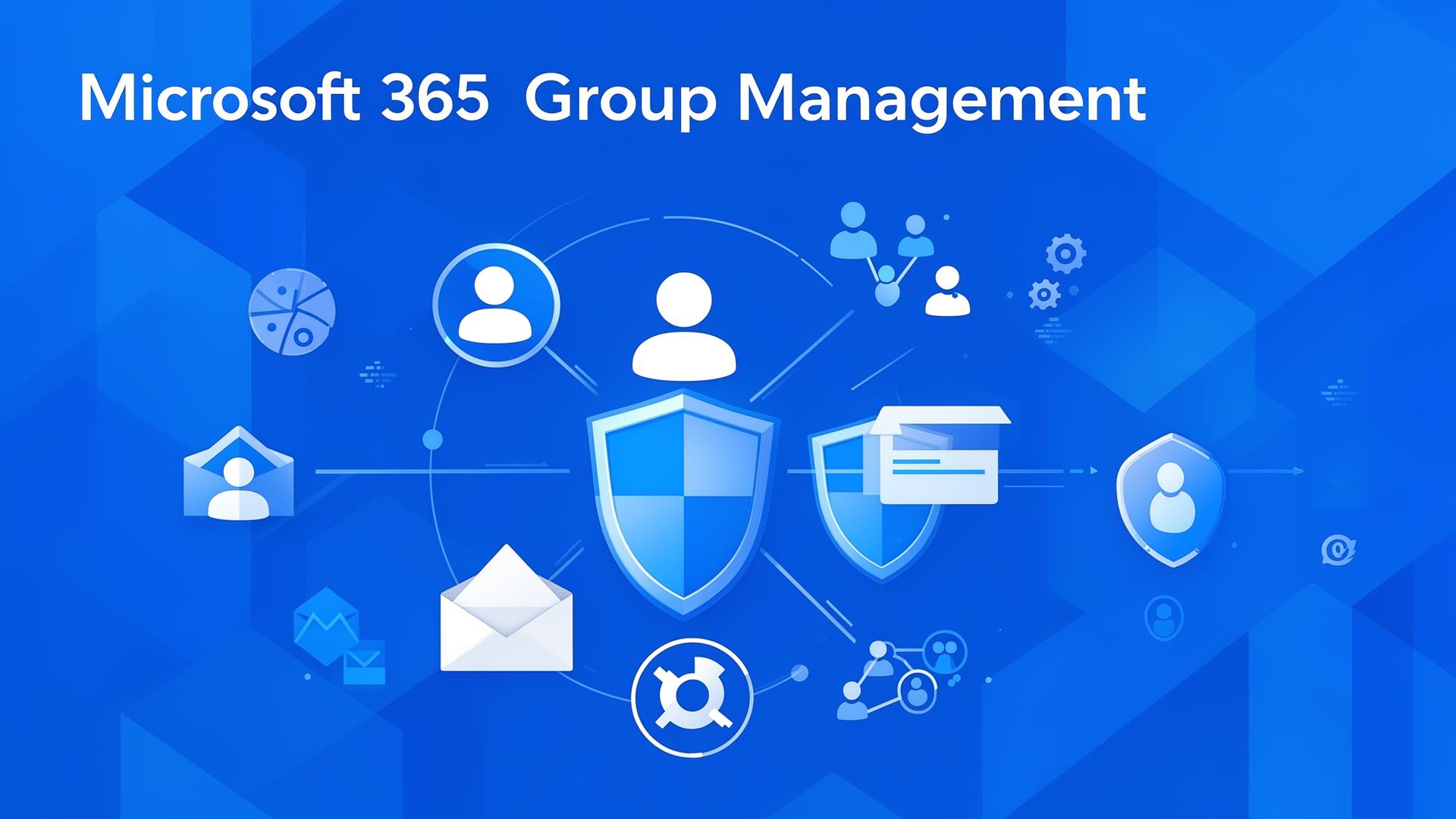
Distribution list vs security group vs Microsoft 365 group: which to use (and how each affects SharePoint access)
Distribution list vs security group vs Microsoft 365 group: see email, collaboration and SharePoint access differences in one at-a-glance comparison table.

Free SharePoint Migration Tool: High Fidelity Site Copy, Broken Link Scan and Permission Comparison
Free SharePoint migration tool for high fidelity site copy. SharePoint Essentials Toolkit also scans for broken links and runs permission comparison reports after the migration.
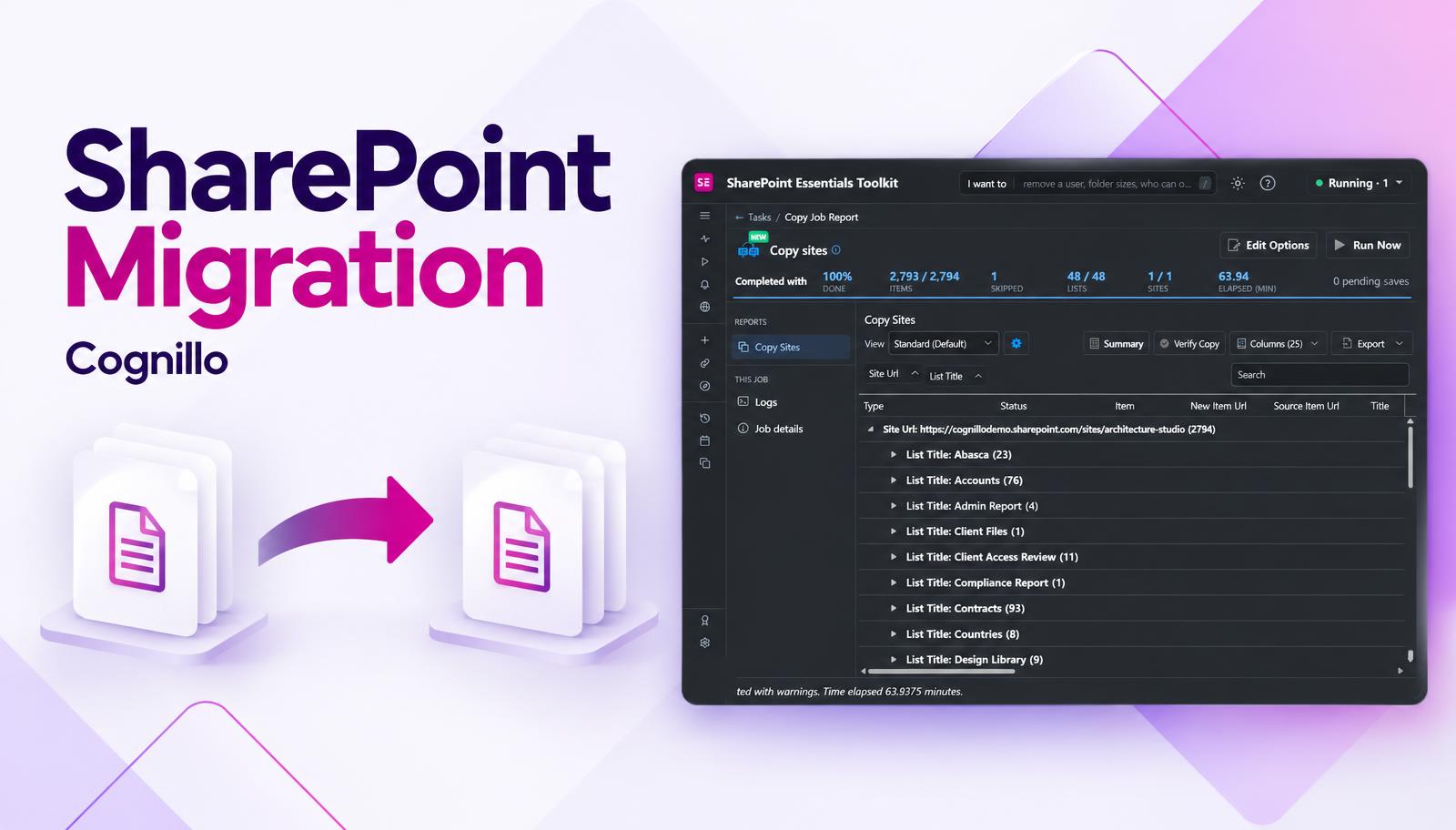
Free SharePoint Migration Tools Compared: SPMT, Migration Manager and SharePoint Essentials Toolkit
Free SharePoint migration tools compared: Microsoft SPMT, Migration Manager and SharePoint Essentials Toolkit, which copies versions and permissions free.
SharePoint Nested Groups Permissions Report
A SharePoint permissions report that lists "Marketing" as one row may be hiding hundreds of people. SharePoint stores the grant against the group, and Entra ID or Active Directory groups can contain other groups. To see the real list of people, the report has to read the directory and follow nested groups down to each user. SharePoint Essentials Toolkit does this, free on up to 20 sites.
Check User Permissions in SharePoint
To check user permissions in SharePoint across sites, you need every grant for that account in one list: direct permissions, SharePoint group memberships, admin roles and sharing links. Built-in Check Permissions covers one site at a time, and the tenant-wide Site permissions for users report needs SharePoint Advanced Management. SharePoint Essentials Toolkit's "Everything one person can access" report checks many sites in one run, free on up to 20 sites with Community Edition.
Copilot Oversharing in SharePoint: Find It
Copilot oversharing in SharePoint happens when files are open to more people than intended, and Copilot makes them easy to find. Copilot does not change permissions; it uses the ones you already have. A practical readiness pass is four reports: a permissions baseline, a sharing links report, widely shared files with no sensitivity label, and stale content still open to everyone. All four run free in SharePoint Essentials Toolkit Community Edition on up to 20 sites.
Find Broken Links in SharePoint
To find broken links in SharePoint, you need a scan that reads every page, web part, document, list column and navigation link on a site, requests each address, and reports the ones that fail. SharePoint has no built-in broken link report. SharePoint Essentials Toolkit scans SharePoint Online and SharePoint on-premises (2016/2019), including links inside Office and PDF files, free on up to 20 sites.
Migrate SharePoint On-Premises to Online
To migrate SharePoint on-premises to SharePoint Online, work in five phases: inventory what you have, clean up what you do not need, map permissions and users, copy the sites, and verify the result. Microsoft's free SharePoint Migration Tool handles basic file moves. SharePoint Essentials Toolkit adds the audit and verification reports, free, and copies sites with structure and permissions.
Free SharePoint Permissions Tools Compared
The free ways to report on SharePoint permissions are SharePoint's site permissions pages, the per-site sharing report, PowerShell (PnP or Microsoft Graph), and SharePoint Essentials Toolkit Community Edition. The admin center's tenant-wide reports mostly need SharePoint Advanced Management. The options differ in depth, setup time and export. For file-level reports with sharing links and an Excel export, Community Edition is free on up to 20 sites.
SharePoint Permissions Report: Who Has Access
A SharePoint permissions report lists every person and group that can open a site, library, folder or file, the permission level they hold, and how they got it: directly, through a group, or through a sharing link. The SharePoint admin center gives a site-level view. For a report down to the file, free, use SharePoint Essentials Toolkit Community Edition on up to 20 sites.
SharePoint Sharing Links Report: Find Every Link
To find all sharing links in SharePoint Online, you need a sharing links report that reads every file and folder on every site and lists each link's type, permission, expiry, creator and target. The admin center gives summaries, and PowerShell needs a per-file loop. SharePoint Essentials Toolkit lists every link across sites with no per-site cap, free on up to 20 sites with Community Edition.
SharePoint Inventory Report: Sites and Files
A SharePoint inventory report lists every site, subsite, list, library, item and user, with the settings and counts you need for documentation, audits and migration planning. The admin center exports site collections only, and PowerShell scripts usually stop at sites and lists. SharePoint Essentials Toolkit exports sites, lists, items and users to Excel with no row caps, free on up to 20 sites.
SharePoint Migration Checklist (26 Steps)
A SharePoint migration checklist covers five phases: inventory, clean up, permissions and users, content risks, and cutover and verification. The pre-migration audit matters most, because everything you archive, fix or decide before the move is work you do not repeat after it. Every check below maps to a report you can run free in SharePoint Essentials Toolkit Community Edition on up to 20 sites, whichever migration tool you use.
SharePoint External Users Report: Guest Access
A SharePoint external users report lists every guest and external account with access to your sites, what each one can open, at what permission level, and whether access came directly, through a group or through a sharing link. Entra ID lists guests but not their SharePoint access. SharePoint Essentials Toolkit shows both in one report, free on up to 20 sites with Community Edition.
Search All SharePoint Sites for a File or Word
To search all SharePoint sites for a file, word or URL and get every match, use a content search that reads the files directly instead of the search index. SharePoint search is built for users: ranked, trimmed and not exportable from the page. SharePoint Essentials Toolkit searches inside Word, Excel, PowerPoint, PDF and text files, page text and columns across the sites you pick, and exports the results. Community Edition does it free on up to 20 sites.
SharePoint Files Shared with Everyone: Audit
SharePoint files shared with everyone are files, folders, lists or sites granted to Everyone, Everyone except external users, All authenticated users, or an Anyone or organization link. The riskiest are those with no sensitivity label that nobody has touched in years. SharePoint Essentials Toolkit finds all three groups with three reports, and Community Edition runs them free on up to 20 sites.
Who Has Full Control in SharePoint? Admin Audit
To find who has Full Control in SharePoint, list every site collection administrator, every member of an Owners group, every account or domain group granted Full Control directly, and any custom level that grants the same rights. The admin center shows this one site at a time. SharePoint Essentials Toolkit lists it across sites in one report, free on up to 20 sites.
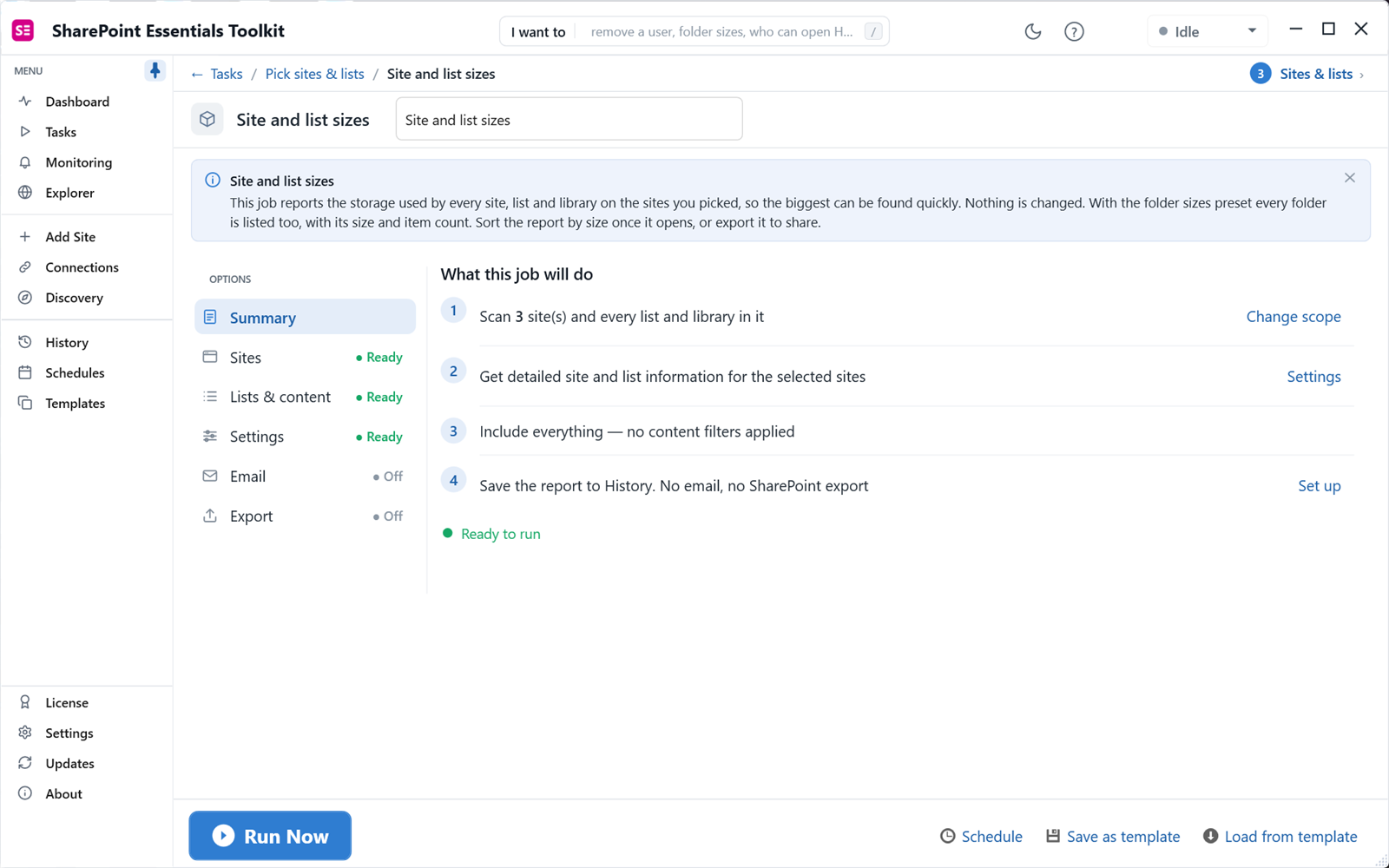
SharePoint Site Content Report: Find Old, Large and Unused Content Before It Costs You Storage or an Audit
A SharePoint site content report shows what is inside each site: storage used, number of lists and items, subsites, version settings, and which lists nobody has changed in months. The admin center shows storage per site, not what fills it. SharePoint Essentials Toolkit's site and list sizes, list inventory and largest files reports show the detail, free on up to 20 sites with Community Edition.

SharePoint Tenant-to-Tenant Migration: Sites, Lists, Libraries and Teams Boundaries
Plan the SharePoint content move and its validation separately from a complete Microsoft Teams migration. Preserve structure and metadata intentionally, not by assumption.
SharePoint Permissions Reports for Large Libraries: 1 Million+ Files
Audit permissions and sharing links in large SharePoint libraries and lists. Tested on million-plus-file libraries, with practical scan planning and export guidance.
SharePoint Governance: Practical Checks, Purview Audit Searches, and Reports
A practical SharePoint governance guide with Microsoft Purview audit searches, CSV exports, current permissions reports, and owner-reviewed actions.
SharePoint Permissions Best Practices: A Practical Audit and Cleanup Checklist
A practical SharePoint permissions checklist: groups, permission levels, inheritance, sharing links, native checks, and free toolkit reports.

SharePoint Link Hygiene After Migration, Renames and Retirements
Find and fix broken SharePoint links with SharePoint Essentials Toolkit after migrations and site-address changes, and identify dependencies on retired services.

SharePoint Advanced Management vs. Toolkit Reporting: Documented Differences
Compare specific native report windows with targeted toolkit scans. SharePoint Advanced Management and a desktop administration toolkit serve different purposes and can be used together.
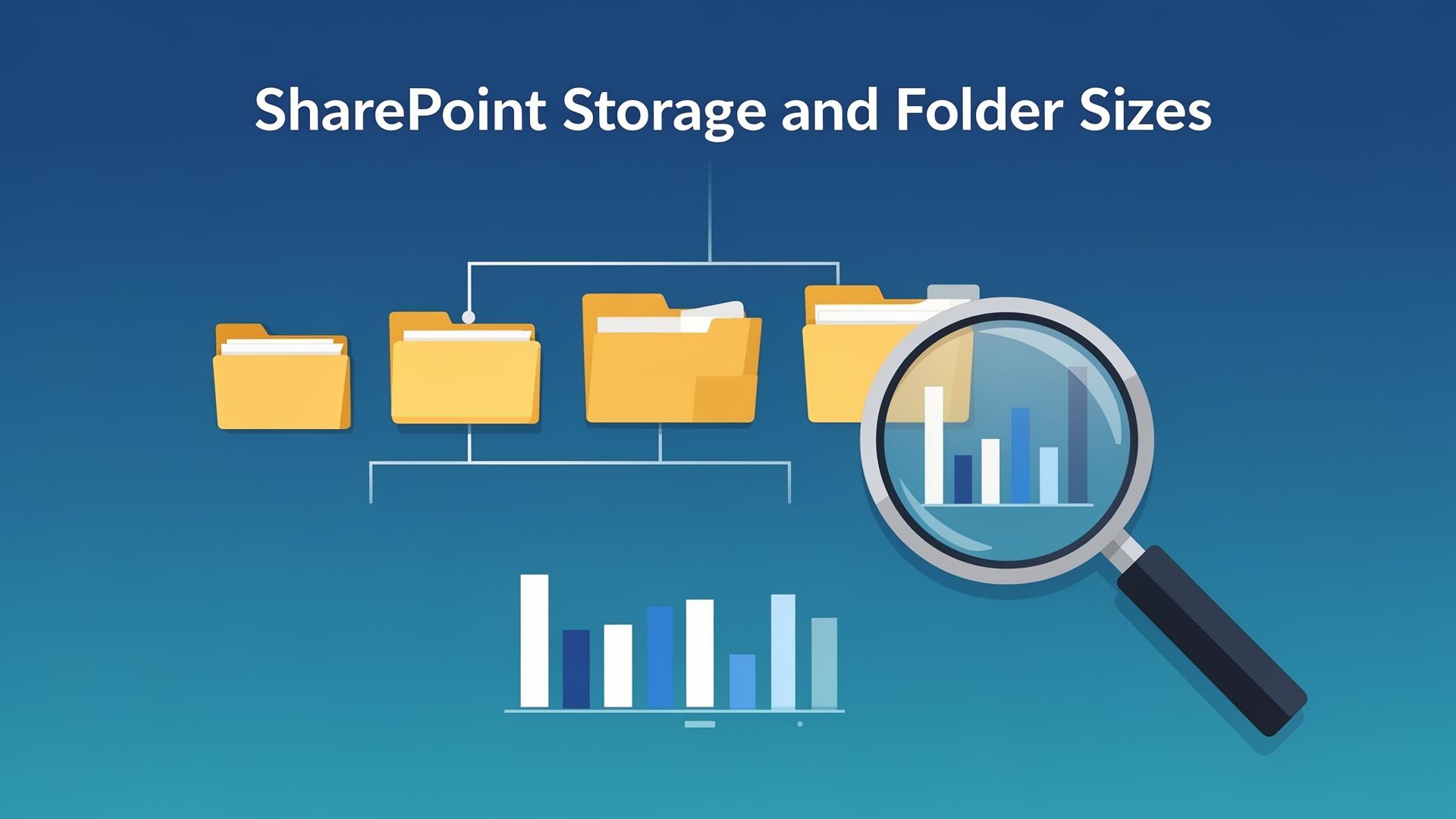
SharePoint Storage Cleanup: Find Old Content, Duplicate Candidates and Costs
Measure files, folders and version history before deleting anything. Distinguish possible duplicates from verified identical files, and separate billed storage savings from bytes removed.

Copilot Readiness: Find and Fix SharePoint Oversharing
Audit broadly accessible content and sharing links before a Copilot rollout. Start with permissions, not a promise that a readiness score can certify your tenant.
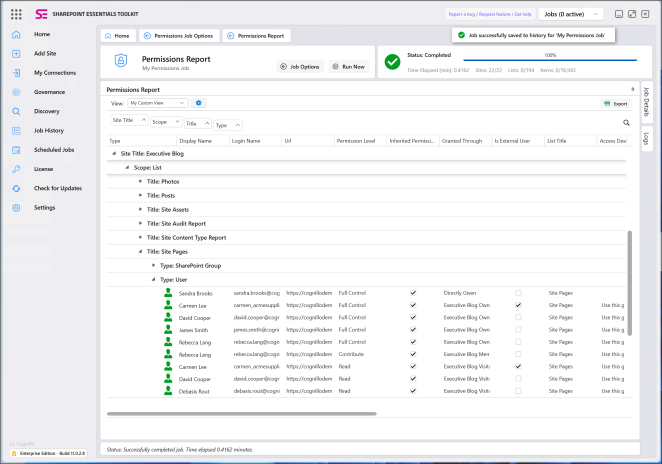
SharePoint Online Permissions Reporting: Who Can Access What?
Find site, list, folder and file access; check one user; identify unique permissions; and export a reviewable spreadsheet. This guide applies to SharePoint Essentials Toolkit.
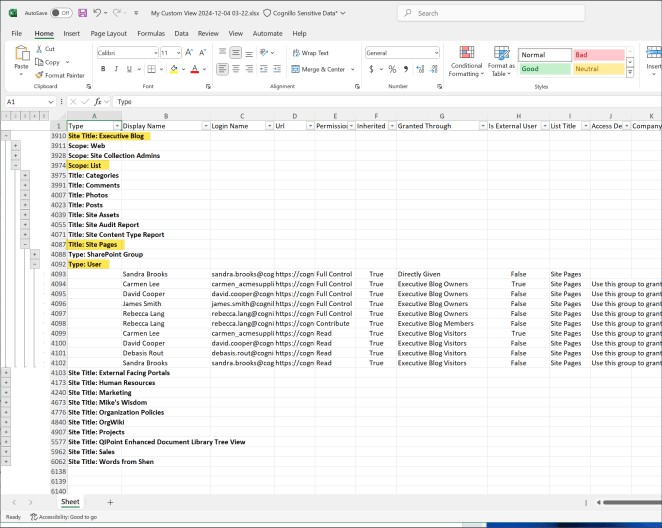
Replace SharePoint Permissions Scripts? PowerShell vs. a Reporting Toolkit
Compare the maintenance work of a custom script with the repeatable workflow of a toolkit. Keep PowerShell where its flexibility is useful and use reports where they answer the question more directly.
Free Community Edition: Available Reports and the 20-Site Limit
The plain-language limits for SharePoint Essentials Toolkit Community Edition: available read-only reports at full depth, up to 20 site collections, with separate editing and connectivity rules.

How to Test Apps Built with Vibe Coding Tools (Bolt, Lovable, Cursor, Claude Code)
A practical guide to testing apps built with vibe coding tools — what breaks, why it breaks, and how to catch it before your users do.

What Is Vibe Testing? The QA Answer to Vibe Coding
Vibe testing is the QA answer to vibe coding: AI-generated test cases written in plain English that self-heal as your app evolves. Here is what it is, why it matters in 2026, and who it is for.

Stop Paying for Idle Test Infrastructure: On-Demand Azure VMs for QA
Most QA teams pick between an expensive hosted grid that cannot reach your VNet or a 24/7 self-hosted runner pool that drifts and idles. Genta uses a third model: provision a clean Azure VM in your own tenant for the exact duration of each test run, then tear it down — and let anyone on the team author the tests in plain language.

Microsoft Copilot Is Changing How SharePoint Works — Are You Ready?
Microsoft is reimagining SharePoint with AI-powered Copilot features in 2026. But Copilot is only as good as your data governance — here's how to get ready.
SharePoint Permissions Sprawl: The Hidden Risk Lurking in Your Microsoft 365 Tenant
SharePoint permissions sprawl is one of the most dangerous yet overlooked risks in Microsoft 365. Learn how uncontrolled access accumulates silently, why native tools fall short, and how the SharePoint Essentials Toolkit gives administrators the visibility and control they need.

SharePoint 2016/2019 End of Life — The July 2026 Deadline
Support for SharePoint Server 2016 and 2019 ends July 14, 2026. Here's what IT teams need to know and how to prepare before the deadline hits.

How to Search, Find and Replace Text in SharePoint
Learn how to search, find and replace text across SharePoint documents, metadata, and web pages using the SharePoint Essentials Toolkit — no PowerShell required.

The Hidden Cost of QA Test Automation: Why Selenium Breaks and Teams Burn Out
Discover why Selenium-based test automation breaks constantly, how flaky tests waste engineering time, and how autonomous QA testing agents like Genta™ are eliminating test maintenance entirely.
Free SharePoint Permission Reports: No PowerShell Required
Learn how to generate free SharePoint permission reports without PowerShell. The SharePoint Essentials Toolkit Community Edition gives you detailed user access reports, broken link checks, and more — all at no cost.

SharePoint Broken Link Checker: Find, Fix, and Prevent Dead Links Across Your Sites
Broken links in SharePoint waste time, erode trust, and disrupt workflows. Learn how the Broken Link Manager in the SharePoint Essentials Toolkit helps you scan, repair, and proactively maintain link integrity across your entire SharePoint environment.
SharePoint Governance: Why You Need a Governance Toolkit and How to Choose One
A comprehensive guide to SharePoint governance — what it is, why it matters, and how a governance toolkit can help you manage permissions, content sprawl, and compliance at scale.

SharePoint Designer for Office 365: Features, Compatibility & Modern Alternatives
SharePoint Designer 2013 is the final version — learn about its compatibility with SharePoint 2016, 2019, and Microsoft 365, plus the best modern alternatives including Power Automate, Power Apps, and SPFx.

How to Get SharePoint List and Folder Sizes
Learn how to get detailed SharePoint list and folder size reports using the free SharePoint Essentials Toolkit Community Edition, beyond what the built-in Storage Metrics provide.
SharePoint Broken Links & Durable Links: A Complete Guide to Link Integrity
A comprehensive guide to understanding and preventing broken links in SharePoint. Learn how Document ID Service, Durable Links, and dedicated link management tools keep your SharePoint environment healthy.

How to Remotely Manage SharePoint On-Premises With PowerShell and Client Tools
Manage SharePoint Server remotely: set up PowerShell remoting with CredSSP, run farm cmdlets from your desk, and report on sites free without server access.

How to Clean Up SharePoint: Best Practices From Microsoft MVPs
SharePoint cleanup best practices from Microsoft MVPs (2017, recently updated): permissions, stale sites, custom code and links, with free reports.

Making Hidden Files With No Checked-In Version Visible in a SharePoint Library
Files with no checked-in version are hidden from everyone but the uploader. How to find them, take ownership and check them in, plus a free report across sites.

SharePoint Framework (SPFx) Part 3: Deploying Your Web Part With the Microsoft 365 CDN
Deploy an SPFx web part with Heft or gulp, package it for the app catalog and use the free Microsoft 365 CDN. Avoid hardcoded URLs that cause missing assets.

How to Copy a List in SharePoint Online and Keep Version History
Five ways to copy a SharePoint list or library to another site, what each keeps (versions, authors, dates, permissions) and a free way to copy whole lists.
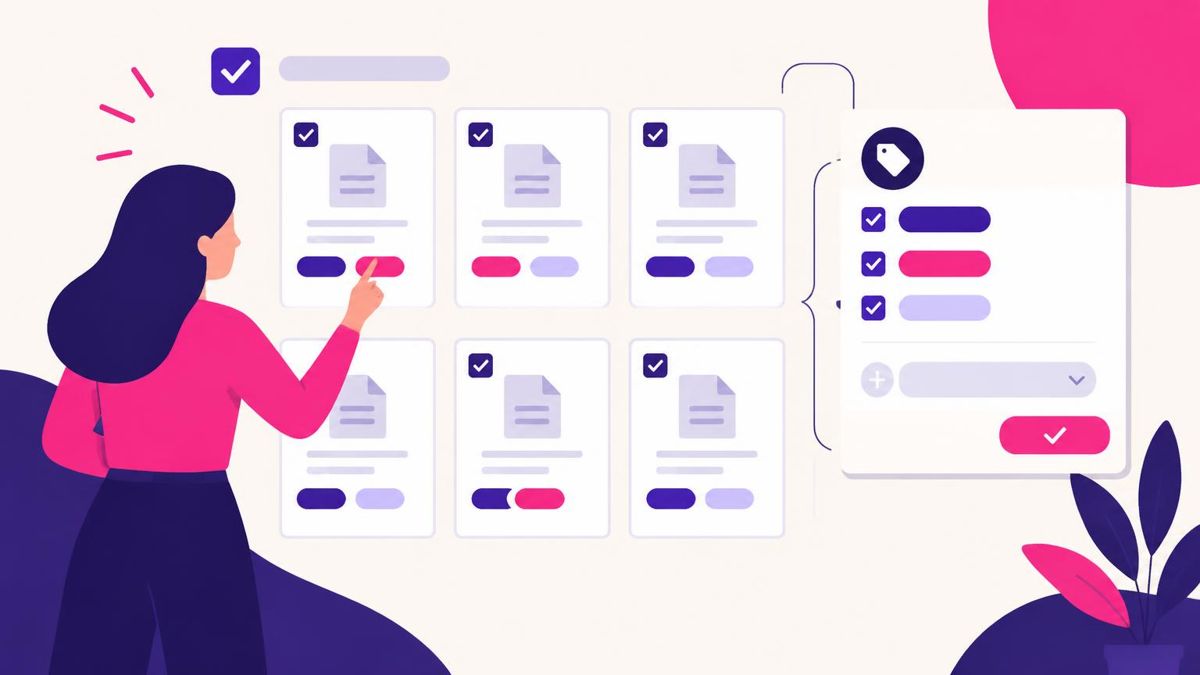
How to Bulk Edit SharePoint Metadata, and Why Metadata Matters
Bulk edit SharePoint metadata with grid view, the details pane, PowerShell or a tool, and why good metadata matters. Find missing values across sites free.

Office 365 and SharePoint Online Using PowerShell: The 2016 Guide, Updated
Manage SharePoint Online with PowerShell (2016 guide, recently updated): which module to use, how to sign in now, and scripts for sites, lists and users.