SharePoint Storage Full or Quota Exceeded: How to See What Uses Space and Free It Up
SharePoint storage is shared across the tenant (1 TB plus 10 GB per licensed user, plus any add-on storage), and each site can have its own limit. Find what uses it with Site settings, Storage Metrics for one site, and the admin center's Active sites or PowerShell for all sites. Version history is usually the biggest part, followed by large files, the recycle bins and the Preservation Hold Library. Free space by setting version limits and trimming old versions, removing or archiving large and inactive files, and emptying the recycle bin.
Published:
Last updated: 2026-11-06
Storage Metrics for one site
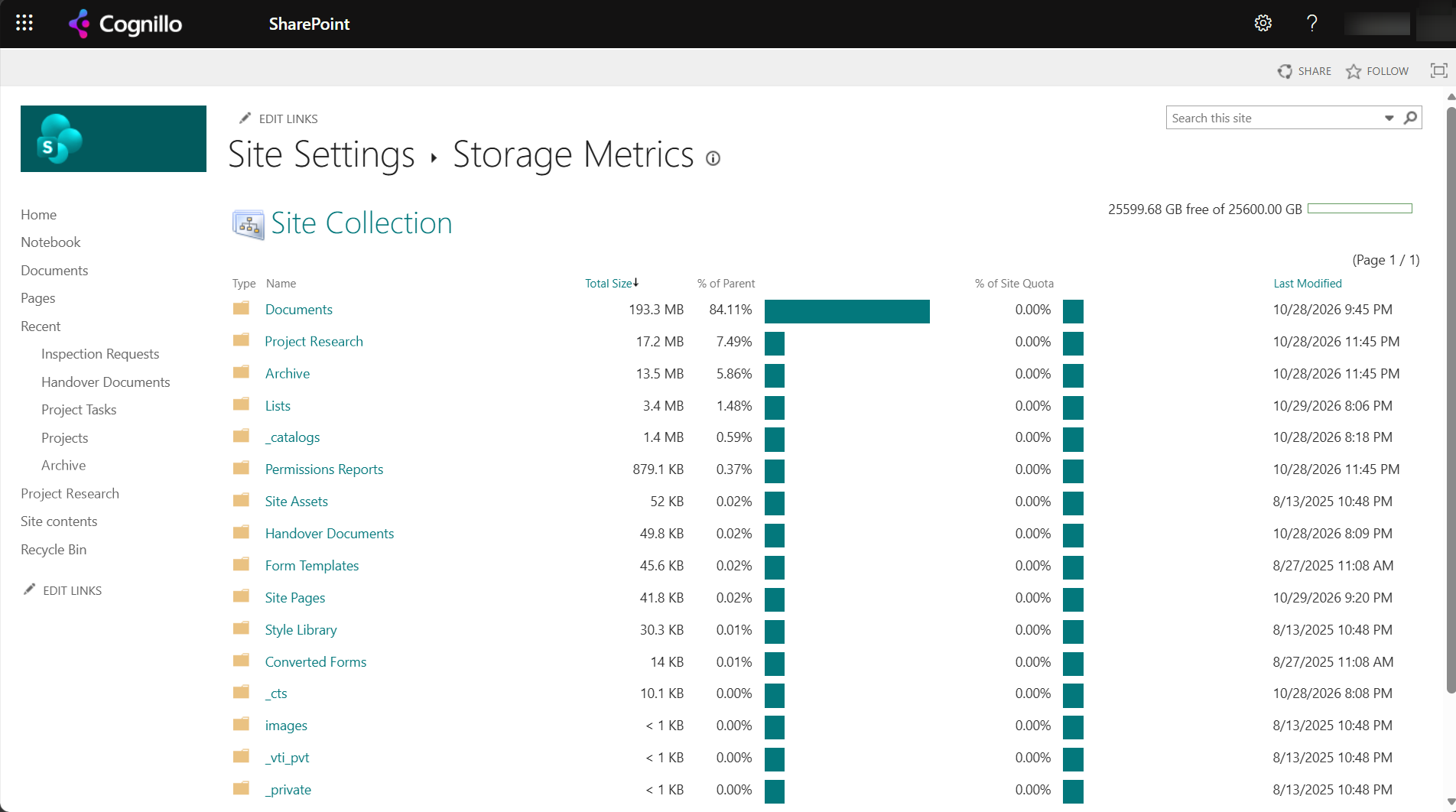
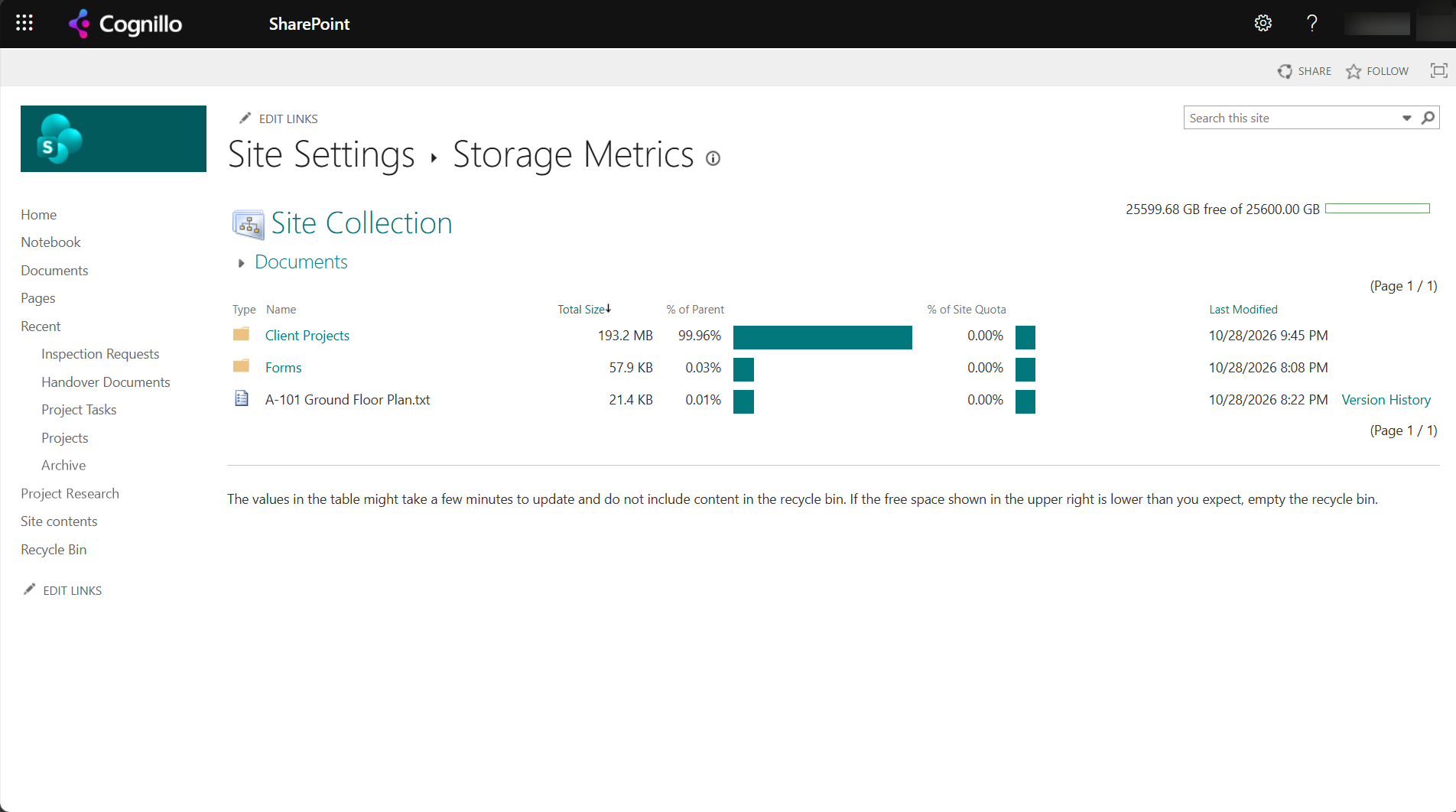
Site settings, Storage Metrics (/_layouts/15/storman.aspx) shows each library and folder with its size and share of the site:
Two things the page tells you that are easy to miss:
- Sizes include version history. A 20 MB file with 50 versions can use far more than 20 MB.
- It doesn't include the recycle bin. The page says so. Deleted items still count toward the site's storage until they leave the second-stage recycle bin.
"25599.68 GB available of 25600 GB" means the site has no limit of its own; it can grow to the 25 TB maximum, as long as the tenant has storage.
Tenant and site limits
- Tenant storage: 1 TB plus 10 GB per licensed user, plus purchased storage. When it's full, sites become read-only until space is freed or added.
- Site limits: with automatic storage management (the default), sites share the pool. With manual management, admins set a limit and a warning level per site in the admin center.
- The admin center's Active sites shows storage used per site, and the home page shows tenant storage.
What uses space, and what frees it
| Where | How to free it |
|---|---|
| Version history | Set version limits per library or tenant, then trim existing versions. See deleting old versions and finding large files. |
| Large files (video, scans, PST, ISO) | Move to a cheaper place, archive inactive sites, or delete duplicates. |
| Recycle bins | Empty the first and second stage. Deleted files count until they're gone. |
| Preservation Hold Library | Retention policies keep copies of changed and deleted files here. Only the retention owner can shorten it; don't delete from it. |
| Inactive sites and files | Microsoft 365 Archive moves whole sites, or individual files, to a cheaper cold tier billed separately. Archived files stay listed but can't be opened until they're reactivated. |
Deleting files frees space only after they leave both recycle bins. Trimming versions frees it right away for the trimmed versions, which also go to the recycle bin.
Find storage across sites with PowerShell
This read-only script lists every site's storage, largest first. It uses the SharePoint Online Management Shell, so it needs a SharePoint admin.
$AdminUrl = "https://contoso-admin.sharepoint.com"
Connect-SPOService -Url $AdminUrl

Get-SPOSite -Limit All -IncludePersonalSite:$false |
    Select-Object Url,
        @{ n = 'UsedGB';  e = { [math]::Round($_.StorageUsageCurrent / 1024, 2) } },
        @{ n = 'LimitGB'; e = { [math]::Round($_.StorageQuota / 1024, 2) } },
        LastContentModifiedDate |
    Sort-Object UsedGB -Descending |
    Select-Object -First 50 | Format-Table -AutoSize

$t = Get-SPOTenant
"Tenant storage quota (MB): {0}" -f $t.StorageQuota
StorageUsageCurrent is in MB and includes version history and recycle bins, so it can be higher than Storage Metrics. To export it with owners, see exporting sites, owners and storage to CSV.
Find what to trim across sites with SharePoint Essentials Toolkit
Storage Metrics is one site at a time. The toolkit's Storage area works across all the sites you pick:
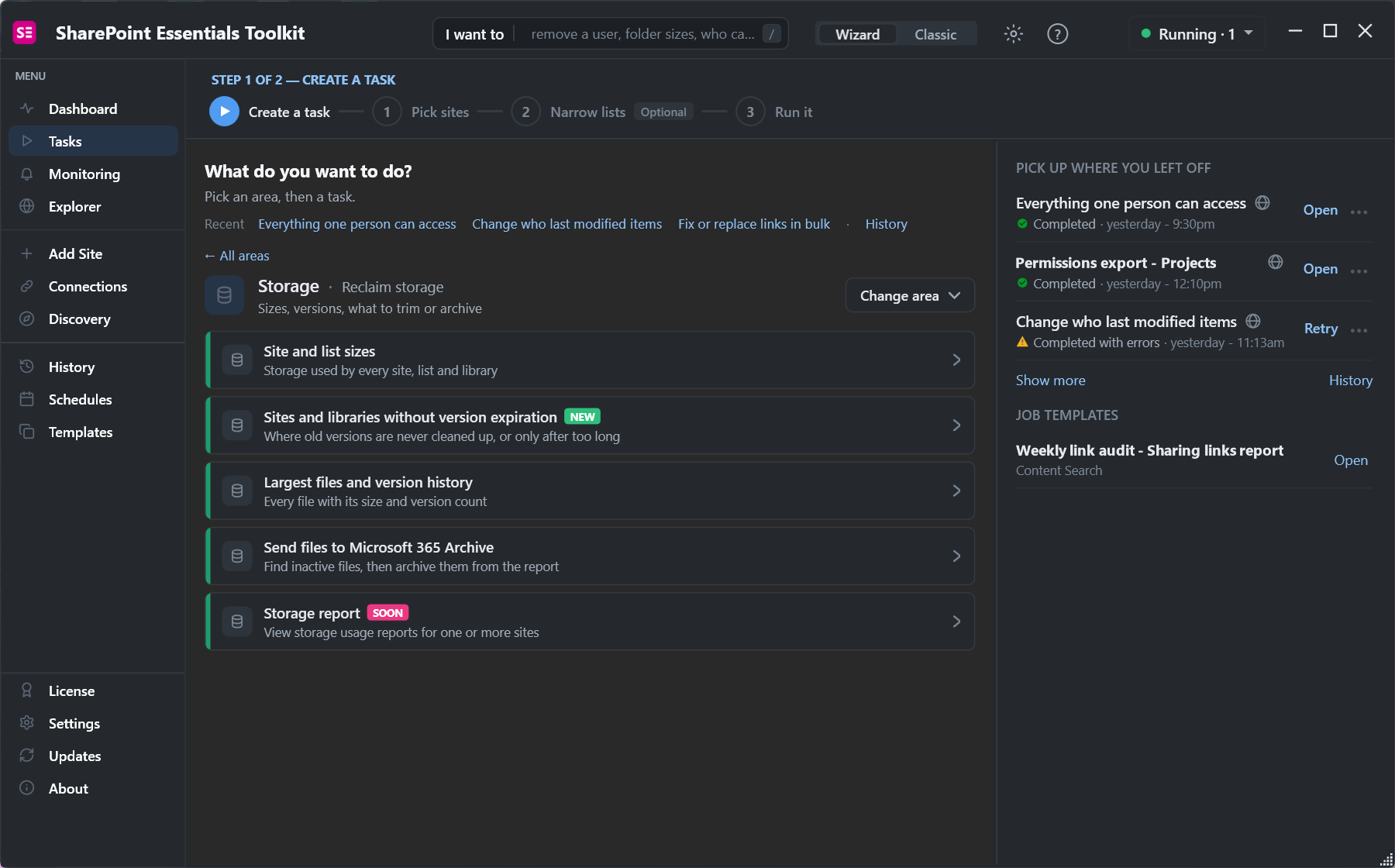
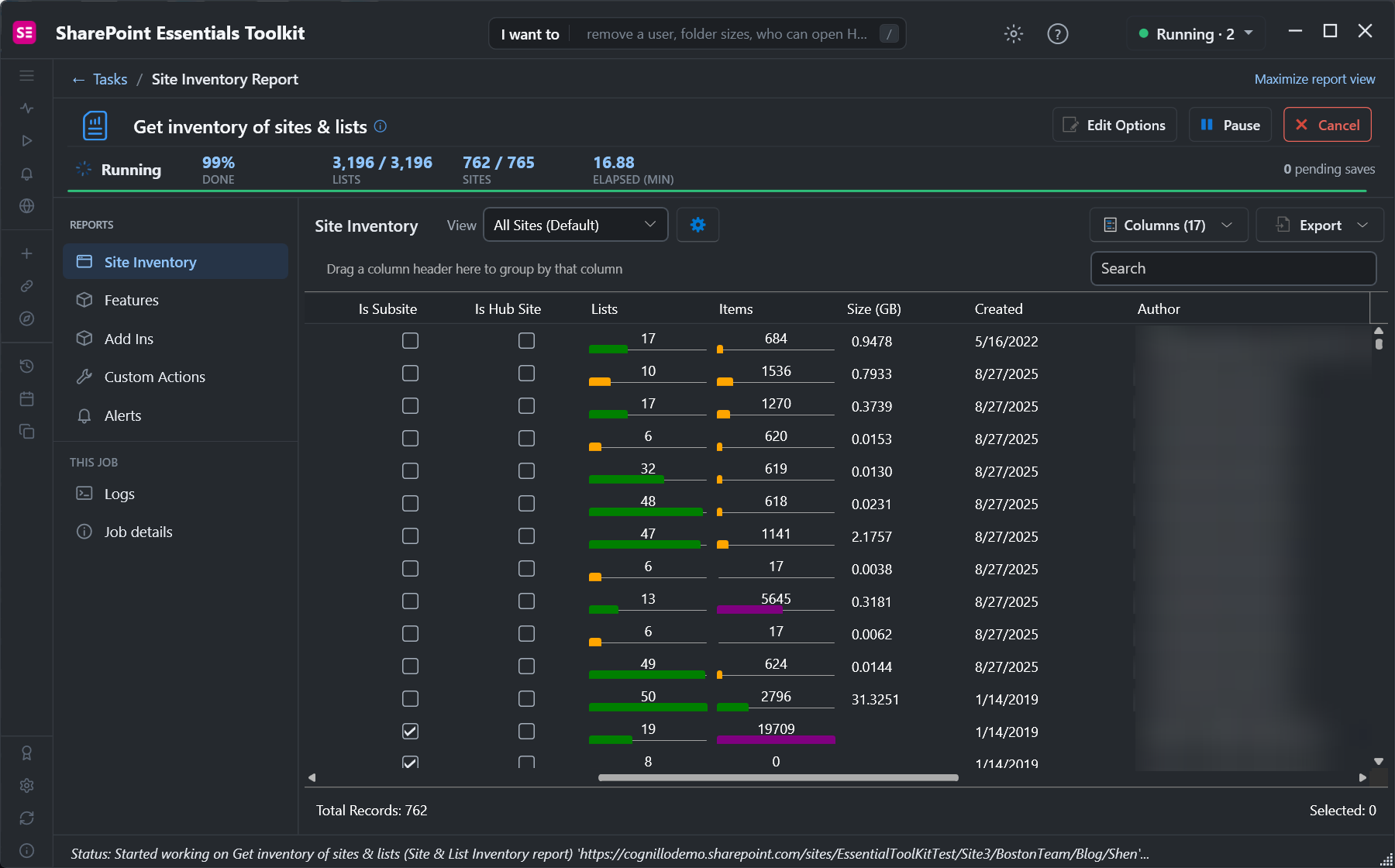
- Site and list sizes: storage used by every site, list and library, in one report.
- Sites and libraries without version expiration: where versions are never trimmed.
- Largest files and version history: every file with its size and version count, so you can trim versions on the worst ones.
- Send files to Microsoft 365 Archive: report files, then tick the inactive ones and send them to the archive through Microsoft Graph, after a confirmation.
Frequently asked questions
How do I check how much storage a SharePoint site uses?
Site settings, Storage Metrics shows each library and folder. The admin center's Active sites and Get-SPOSite show the site's total.
Why doesn't Storage Metrics match the admin center?
Storage Metrics leaves out the recycle bin. The site total includes it, along with everything else in the site.
Does version history count toward SharePoint storage?
Yes. Every version counts at its full size, which is why version limits and trimming free the most space.
Does deleting files free SharePoint storage?
Only after they leave both the first-stage and second-stage recycle bins.
What happens when SharePoint tenant storage is full?
Sites become read-only for new content until storage is freed or more is added.
Find what uses SharePoint storage across sites, free
SharePoint Essentials Toolkit Community Edition is free. Report site and list sizes, versions and largest files across sites, on up to 20 sites per Microsoft 365 tenant. Get your free Community Edition license key.